Loopy Pro: Create music, your way.
What is Loopy Pro? — Loopy Pro is a powerful, flexible, and intuitive live looper, sampler, clip launcher and DAW for iPhone and iPad. At its core, it allows you to record and layer sounds in real-time to create complex musical arrangements. But it doesn’t stop there—Loopy Pro offers advanced tools to customize your workflow, build dynamic performance setups, and create a seamless connection between instruments, effects, and external gear.
Use it for live looping, sequencing, arranging, mixing, and much more. Whether you're a live performer, a producer, or just experimenting with sound, Loopy Pro helps you take control of your creative process.
Download on the App StoreLoopy Pro is your all-in-one musical toolkit. Try it for free today.
Samposium Peformance Sampler

https://apps.apple.com/us/app/samposium-performance-sampler/id6475739371
Not available in UK yet
Comments
Or the netherlands
Can’t even find anything on the interwebs
Available here on east coast, U.S. for 14.99.
Only info i found was about the Dev and Biz.
I’m intrigued.
https://www.synthfamdsp.com/
The manual here at least !
https://www.synthfamdsp.com/wp-content/uploads/2025/11/Samposium-User-Guide.pdf
He must, bizarrely, have made it available only in the US, whether accidentally or intentionally, as it's still not available on other AppStores like the UK, German or Chinese store. That's totally abnormal.
It’s available here in Denmark now. I’m also intrigued, but will wait for a demo or something to find out exactly what this can do…
Thnx, now in UK AppStore too
Interesting that they say AUv3 in beta as well 🤔
That UI looks slick
Its out $14.99 in the States looks interesting. Iphone and ipad too
The dev hoping to release a video this week on it! Read the manual not sure I’d get use out of it with as have Koala and Dawnbeat. Not really sure what this brings to the music app market that is different.
While I'm perfectly happy with Koala Sampler from the looks of it this new apps seems to draw some influences from SMPLR with different ways to manipulate (scrub etc.) the sample?!
The colorful UI screenshots hurt my eyes so some kind of 'theme adjuster' surely must be in place but I won't buy it just to check it out...
@samu in the manual or description I read somewhere about sight disability but the UI sure looks colourful. Would definitely need to see a video of the app first to see it in action to see what it’s al, about.
anybody try this one out? how is it? any videos of it working ?
Some videos out now, very colourful and the performance aspects look cool.
https://apps.apple.com/gb/app/samposium-performance-sampler/id6475739371
Thanks for the videos. This looks very nice and well thought out, but I’m stuck at 17.7 and not ready to make the jump to IOS 18 yet…
The UI on this app is very performance oriented and very well put together. Hopefully the features will grow in the future, it was made for touch and iPad. @Gavinski I know your always asking devs to make apps more for touch the dev knows his business in that respect. With a few more tweaks it could be perfect.
I was pleasantly surprised how well it’s been put together. Great for using all that sample fodder you have and putting together drone style compositions or other ambient styles.
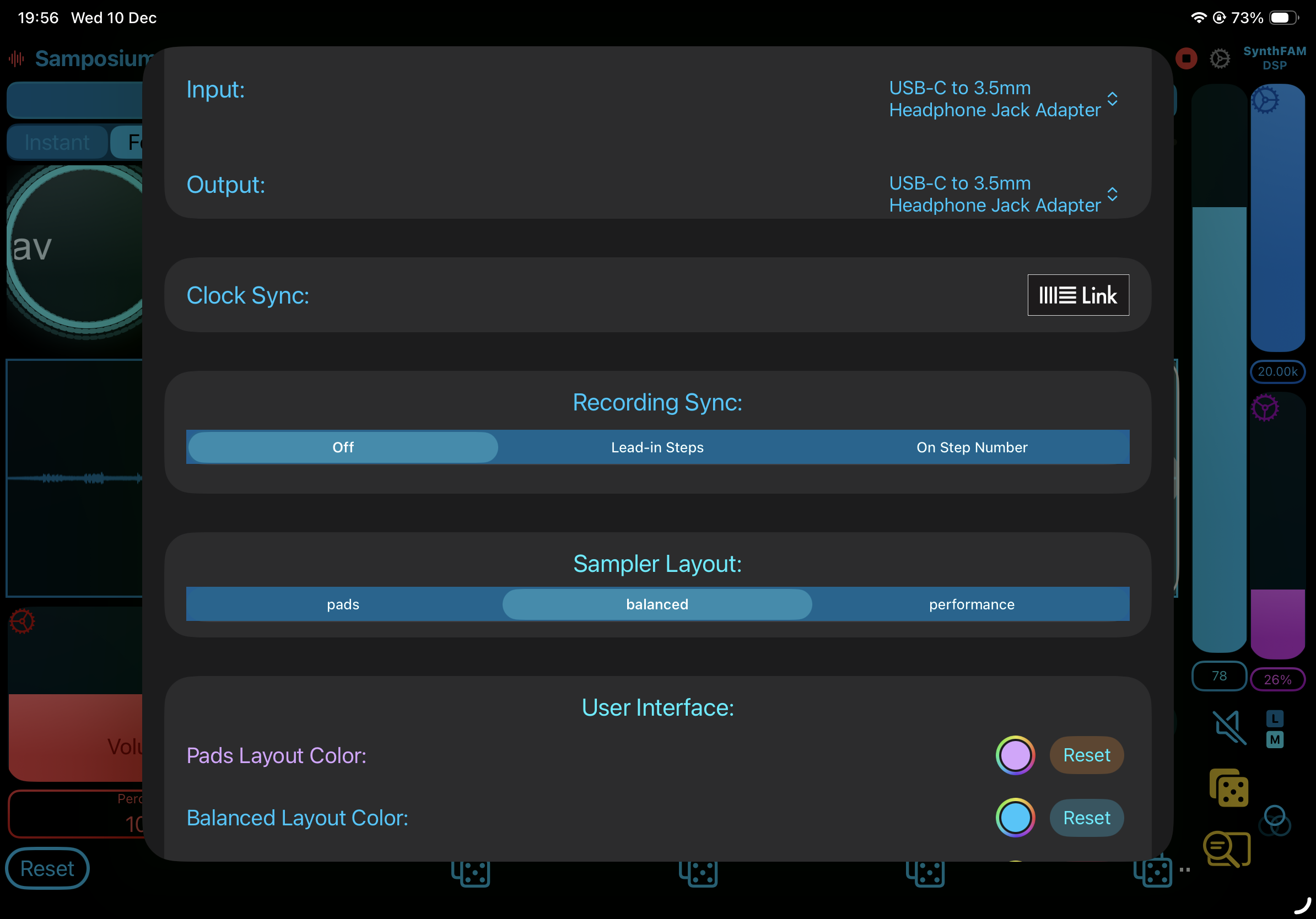
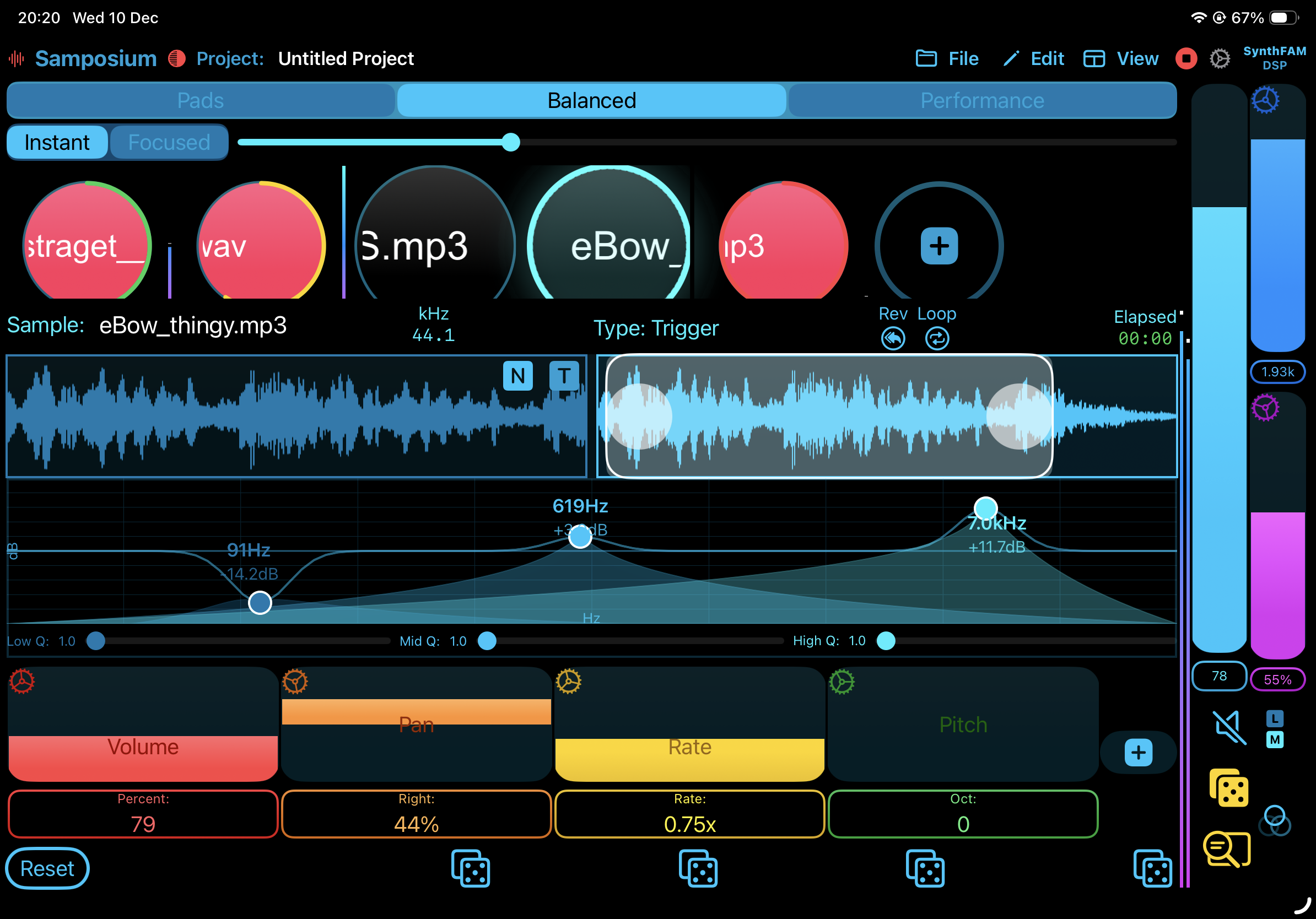
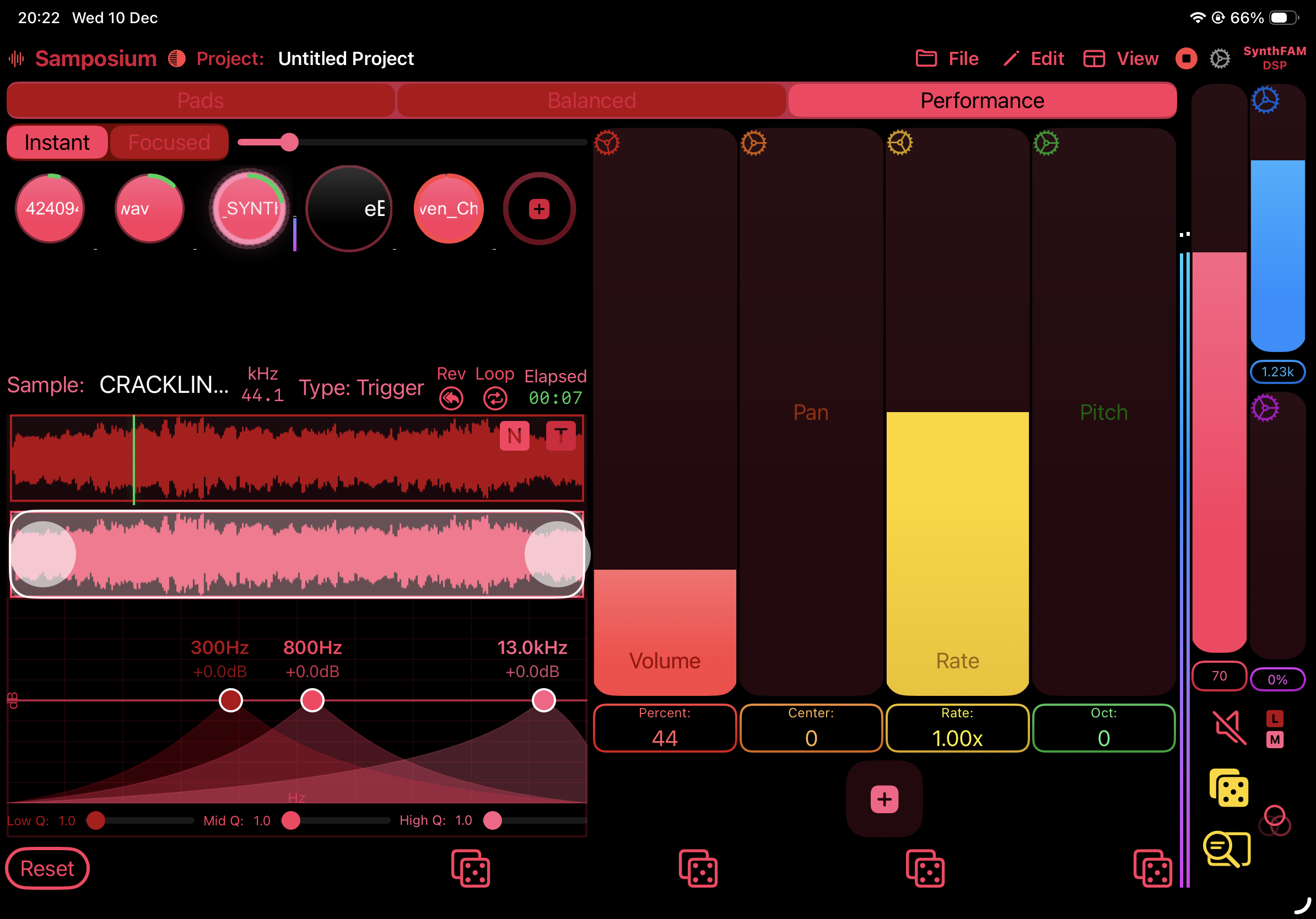
Also this app has a sequencer which is super handy.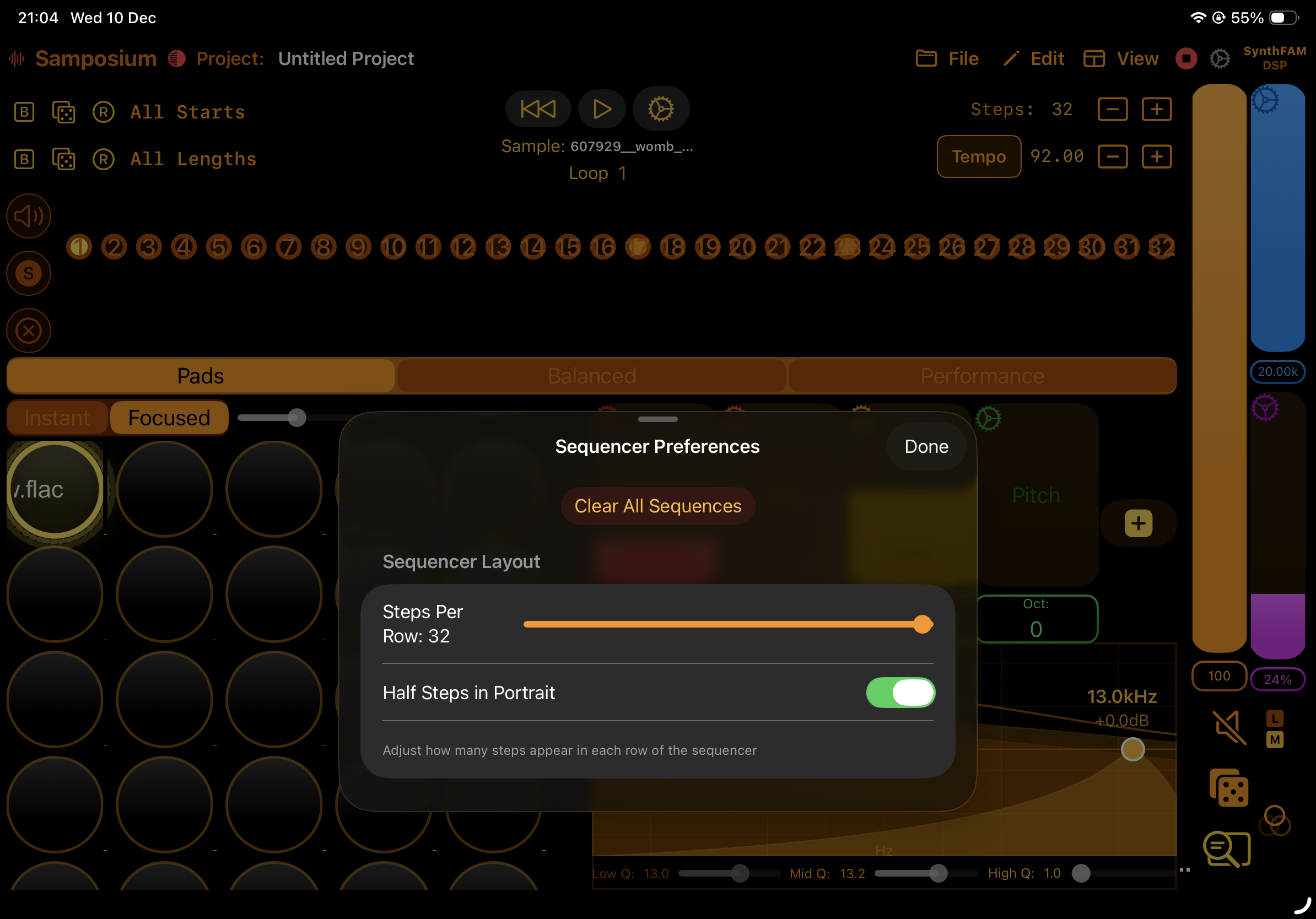

I sorta made my own assumptions that this would have some samplr style functions but I think I’ve been misplaced in those from the videos I’ve seen and reading the description more…
Are the 300mbs of samples an optional download? Or do they automatically come down with the app? 417mb is pretty huge, and I very much doubt I’ll like the samples…
@kashi Not sure I asked the dev to chime in on this thread reference questions he just waiting on forum approval.
I’ll pass this one. It doesn’t seem to do anything Koala can’t, has a nasty colour scheme, doesn’t appear to be easy to just pick up and jam with.
Hey all, I am the creator of Samposium! JumperCollins gave me the head up that some folks have some questions. Thank you all for checking it out and the feedback.
Currently the app ships with the Samples. This choice took a bit to make but designing a post app install download system and server costs for hosting the samples was something I decided to put off until later. Eventually it would be nice to just have the app download and then upon first open it could down load these or allow the users to download them if they want.
Koala is a great app and I enjoy it as well. Most of the colors of Samposium can be changed so if there are colors you do not like, you can change them! The last video I posted on YouTube goes over the colors and how to change them.
@YourOpponent Hi I noticed with the stock samples and Preset saving the apps very open ie it lets you choose the folders to search in from the files app and or where to save projects. I found this option quite unique for a iOS app. Most music apps tend to have a regimented built in pathway for opening samples and saving. However for a newbie to iOS this open system may be confusing.
Are there any plans to add drag and drop
As sometimes I find that a better way to get samples in as Apple File System plays up quite a bit with blank file issues on local systems.
There are a lot of limitations and security features Apple builds into its sandboxing of apps. I am always open to improving it but was mostly concerned about functionality for launch. I'll have to look into drag and drop as I didn't know that was an option for iOS/iPadOS. Thanks for the feedback!