Loopy Pro: Create music, your way.
What is Loopy Pro? — Loopy Pro is a powerful, flexible, and intuitive live looper, sampler, clip launcher and DAW for iPhone and iPad. At its core, it allows you to record and layer sounds in real-time to create complex musical arrangements. But it doesn’t stop there—Loopy Pro offers advanced tools to customize your workflow, build dynamic performance setups, and create a seamless connection between instruments, effects, and external gear.
Use it for live looping, sequencing, arranging, mixing, and much more. Whether you're a live performer, a producer, or just experimenting with sound, Loopy Pro helps you take control of your creative process.
Download on the App StoreLoopy Pro is your all-in-one musical toolkit. Try it for free today.
Comments
First off: I appreciate the compromises Bram has made to bring us something so jammable!
FWIW: I’m generally on iPhone, and with the accessibility zoom features of iOS, Battlestation works great!
Two questions:
Some folks say they see the sequence generators are midi mappable — I’m working in AUM and I don’t see them in the list of parameters. How do I access them? What other things are mappable but not necessarily showing up in the AU parameters? Is there a list?
BattleStation seems to me to only work in 4/4. It seems to always sync once per bar. So the drum sequences seem to always operate in 16 equal divisions of the bar, no matter what time signature I set in AUM. So in 3/4 I can’t make a kick that hits every beat, and I can’t make a steady stream of 16th note hats. I’m locked into a 3:4 polyrhythm. In 5/4 it’s much more awkward. Etc. This is fun to explore for weird uneven grooves, but: is this easily fixable via a setting somewhere?
Thanks!
Bram Bros = instant purchase. Beep Street and Brambos are my favorites.
They're called "MM1 MUTATION", "MM2 MUTATION", etc. (which was what I originally had on the UI label).
I'll rename them "GENERATE" to make it clearer. But that's how you MIDI map them now.
I initially called them "Mutation Machines", but that name wasn't as descriptive as "Pattern Generator"
Hi. Actually used one of Korg Module expansion packs.. added some reverb, delay and shimmering effects. Thanks for the idea to KoalaSet, maybe solo vocals with some granulat impacts would be nice even as a oneshots, but trying to keep it playable in my KoalaSets 🤔
Just noticed this: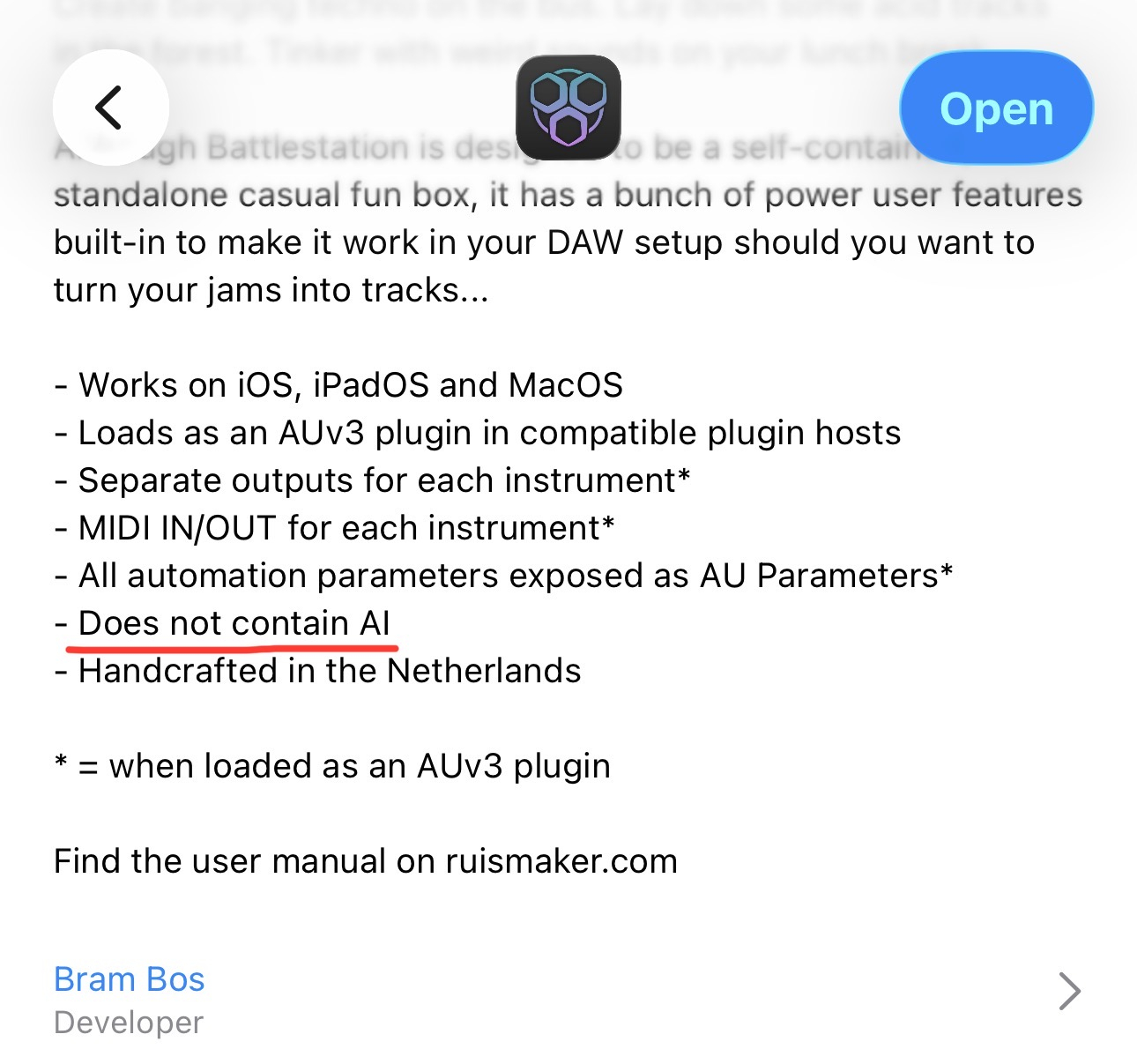
🤣🤣
Thanks!
Very cool, extremely jammable Love that there's a rumble generator (vibes
  ), and after learning the workflow a bit how quick it is to get a jam up and running, then evolve it and transition into a completely new feel without stopping.
My only complaint is that there doesn't seem to be a way to turn off the choke group between open and closed hihat (ok and also that there's always a crash/splash when pressing/releasing the fill buttons...)
Mute the Snare track to make that go away. Hth!
To follow up my own question: no, you can’t turn this behaviour off. No Mike Parker esque 3/4 stompers for me! (That’s ok, there’s always OG Noir!)
That said: having spent a thoroughly enjoyable morning playing with the drum sequencer step counts, I will attest: @brambos is a genius.
Whether to see this limitation (or any of the others folks have mentioned) as a tragedy, or an inducement to make (for example) awesome and otherwise impossible 15:16 polyrhythmic improvisations, is a choice left up to the reader. I’m picking door #2, it’s way more fun…
good tip thanks!
I never would have guessed it was from a Korg Sample set. Which set? It sounds incredible!
Hopefully I still have access to the trial. 😎
Voice Of Rapture.. kind if accidentally chosen one. Liking so much kind of randomly browsing presets with LP dials 😊
Are the “performance knobs” referred to in the auto-LFO section strictly the 3 knobs with the graphic that generates new patterns?
No, it's the knobs/parameters in each synth section that work best when tweaked live. For each synth it's a selection 3-4 of the knobs and they're all on different (a-synchronous) LFOs, so it feels like someone is tweaking them in real time.
just downloaded on mac. it's not passing au validation in logic pro.
i can check it for usage so it works.
all tests pass. only one not passing is the following
RENDER TESTS:
Output Format: AudioStreamBasicDescription: 2 ch, 48000 Hz, Float32, deinterleaved
Render Test at 512 frames
ERROR: -66745 IN CALL AudioUnitRender
also if the plugin window has focus the transport play/stop with space bar ist not recognized in logic pro on mac. i know this behavior from korg M1 and wavestation and it really is a joy killer.
Interesting, because it seems to work on all other Macs. AUVal is such a random troublemaker, now I understand why Mac devs despise it so much
I'll try and see what this helpful error means
one more...
looks like the plugin crashes logic pro on mac when the standalone version is lauched
edit: was looking for the presets i saved on ipad, but they don't show up on mac
Can you tell me what version of MacOS you're using? I'm not seeing (or hearing about) any of these problems so far.
still on ventura, latest version
Right, looks like old versions of MacOS may be a bit less friendly to Catalyst-built AUv3 plugins then. Thanks, I'll see what I can do.
great
I’ve only downloaded to macOS so far, but haven’t launched Logic yet. latest macOS26.1. Has it been reported to pass validation on this version?
Why would they show up on Mac? They are files inside the plugin on your iPad. You can export them and import them via the preset dialog if you want to transfer them between devices.
I know I’m not likely the target user type for this app… being more of a sound experimenter for fun and for video soundtrack use… with no pre-iOS musical gear experience… and not really much interest in making tunes per se… I’m finding Battlestation an excellent balance between tween having enough control to experiment without needing to watch countless tutorials and it being instantly fun an useful. Definitely in my top 3 favorites from the growing @brambos catalog!
I’m only missing Skulptur. I forgot to nab it on sale. But will keep it on my wish list.
Thanks 🙏 for this
@nuno_agogo Ok, after some digging around I think I know what causes the AUVal problem. Apparently Apple/AUVal doesn't handle MIDIOutput from the AUv3, causing it to stall and subsequently timeout. It's a known Apple sloppiness apparently, and not a problem with the plugin itself... (thanks Apple).
There are apparently ways to circumvent it (since Apple hasn't fixed it on all MacOS versions). I'll try some things out to see if I can trick AUVal into passing the test without hanging on the MIDIOutput.
Thanks for raising it!
just thought it had to be that way, because in the ipad preferences it says it uses icloud
for the record. i could live with all that but the focus window play/stop fail is something to cope with
That device setting for iCloud is misleading. It's a permissions setting, and doesn't affect how files are stored. You'll find it on many apps that don't use iCloud at all. It's just saying "if this app does want to use iCloud storage, allow it."
That's a MacOS or Logic limitation. I don't think anything can be done about it.
The same is true on iOS/iPadOS in any host app. It's an OS limitation. If a plugin window has the focus of the typing keyboard, nothing else can use it. If the plugin window loses the focus due to tapping in the host interface or another plugin window, it can't get it back until you tap the plugin window to recapture the focus.