Loopy Pro: Create music, your way.
What is Loopy Pro? — Loopy Pro is a powerful, flexible, and intuitive live looper, sampler, clip launcher and DAW for iPhone and iPad. At its core, it allows you to record and layer sounds in real-time to create complex musical arrangements. But it doesn’t stop there—Loopy Pro offers advanced tools to customize your workflow, build dynamic performance setups, and create a seamless connection between instruments, effects, and external gear.
Use it for live looping, sequencing, arranging, mixing, and much more. Whether you're a live performer, a producer, or just experimenting with sound, Loopy Pro helps you take control of your creative process.
Download on the App StoreLoopy Pro is your all-in-one musical toolkit. Try it for free today.
Comments
Working great so far!!
iPad 8 running iPadOS 15.1, sending and receiving on AUM between another iPad (the other an Air M1 running 26.2 , both with the TestFlight version) with good performance on 5GHz wifi !
Tomorrow I will do more tests.
Congratulations on the great work!
Thanks. Yeh, it's not bad. It doesn't have an instrument plugin, only FX send and FX receive. But it does work.
https://structurevoid.gumroad.com/l/voidlinkaudio-vst
FX Receiver is probably more usable than Instrument anyway - I think I overthinked it my plugins selection, for receiver makes probably FX slot more sense than instrument, cause i think most of DAWs does not allows record to audio track audio output from instrument ..
Yet. 🤫
Can I somehow use this to more easily record audio in Drambo?
I have not twistet my brain that way for some months as I’m setting up in loopy. There were some issues with piping audio in and out last time I was setting up, happy for anyones thoughts.
Thanks
Quick response by using the 1.02 Build. Works like expected, here with my old IPad Pro 1.Generation.
I used my mobile LTE router:)
anyway will have try with better network later! Thanks for the 1.02 build.
well you can put AudioPipelineSend in Drambo at place where you want to get audio to record and then place AudioPipelineReceiverFX in effect slot of audio track for example in cubasis.. hit play in drambo, hit record i cubasis - done. Audio from drambo recorded to audio track in cubasis
@dendy thanks for ignoring my spelling metakes!
I’ll keep that in mind
Nah, I am absolute king when it comes to making of typos and spellong mistakes 💪
@dendy how abut sending audio from loopy to Tape it (standalone)? Tape it is like another voice memos app for song idears
@_smund said:
TapeIt would need to support AUv3. Does it?
@espiegel123 It can’t be Auv3. If thats what you mean?
I might request it
If it doesn’t support AUv3 plugins then Audio Pipeline wouldn’t help.
Ableton doesn't see my iPad over wi-fi. With this app and Linkeffekt, my iPad isn't recognized by Ableton until I plug the iOS device in. Not sure what the deal is.
Break down the steps you going through to achieve connection we may be able to help.
This means some problem with your networking. Are they both connected to same wifi router ? Aren't on wifi router enabled some filtering, like filtering UDP packet, fiktering od some ports, something like that ?
Two network settings regularly cause trouble in my experience:
On the router: So called WiFi, AP or network isolation prevents WiFi devices from talking to each other.
On the device: What’s called “Private WiFi address” on iOS (other OS have different names for it). It changes the MAC address of the device regularly what can cause lots of trouble with some routers (Hello Fritzbox!).
Thanks for this! I have been using it in BM3 to send to Samplitude on desktop. Cool thing is the host doesn't need Ableton link on for it to work, so I have a super tight midi clock sync between BM3/Samplitude and then Link Audio for in/out, with both hands lovingly on either side of the ipad, dongle free again! Its like a whole new platform, even breathing life back into old IAA apps too!
thanks to everyone who answered. I turned off private wi-fi address to no avail. I couldn't find AP settings. Deepseek talked about a multicast setting that I couldn't find. I have google fiber. In principal this should be easy, I'm just loading the link plug-ins in the effects branch of AUM and looking for that channel in ableton.
Do you load Send FX in AUM ? There is also Receiver plugin, in your case you want to load Send plugin in FX slot in AUM ..
In Live - you need to click on little link icon in too left it activates link audio - it’s turned off by default.. then on audio track unpack “inputs” selector and you should see there AudioPipelineSend ..
If icon in Live which you used to enable Link Audio turns orange means there are dropouts - you need to open settinhs and increase latency in that case to get stable audio stream
I did load send fx in AUM. I was able to send and receive in AUM, so I know your app works. I did turn on link in Live and the iOS channels never appeared.
Does regular old Link Sync (without audio) work? With Start/Stop enabled, does hitting start in AUM start Ableton and vice-versa?
Probably a dumb question, but I still have to ask. Are you sure Link is turned on in the AudioPipeline app? Oh, and are you sure you're on the latest version of Live?
These is not dumb question at all !! Actuall I'm dump i did not asked it in first place ))) Very good check if at least basic communication between devices is running.
@dendy After a bit of hit and miss testing discovered today that Audio Pipeline does work with Ableton Move to receive,over WIFI AND USB C you just may need to be on the latest iPad OS and probably the deal breaker for some the latest Move beta. 2.0.5b1 which appears to have fixed this issue if it ever was a issue. So thanks for all the hard work and digging around and apologies if it appeared your app was broke!
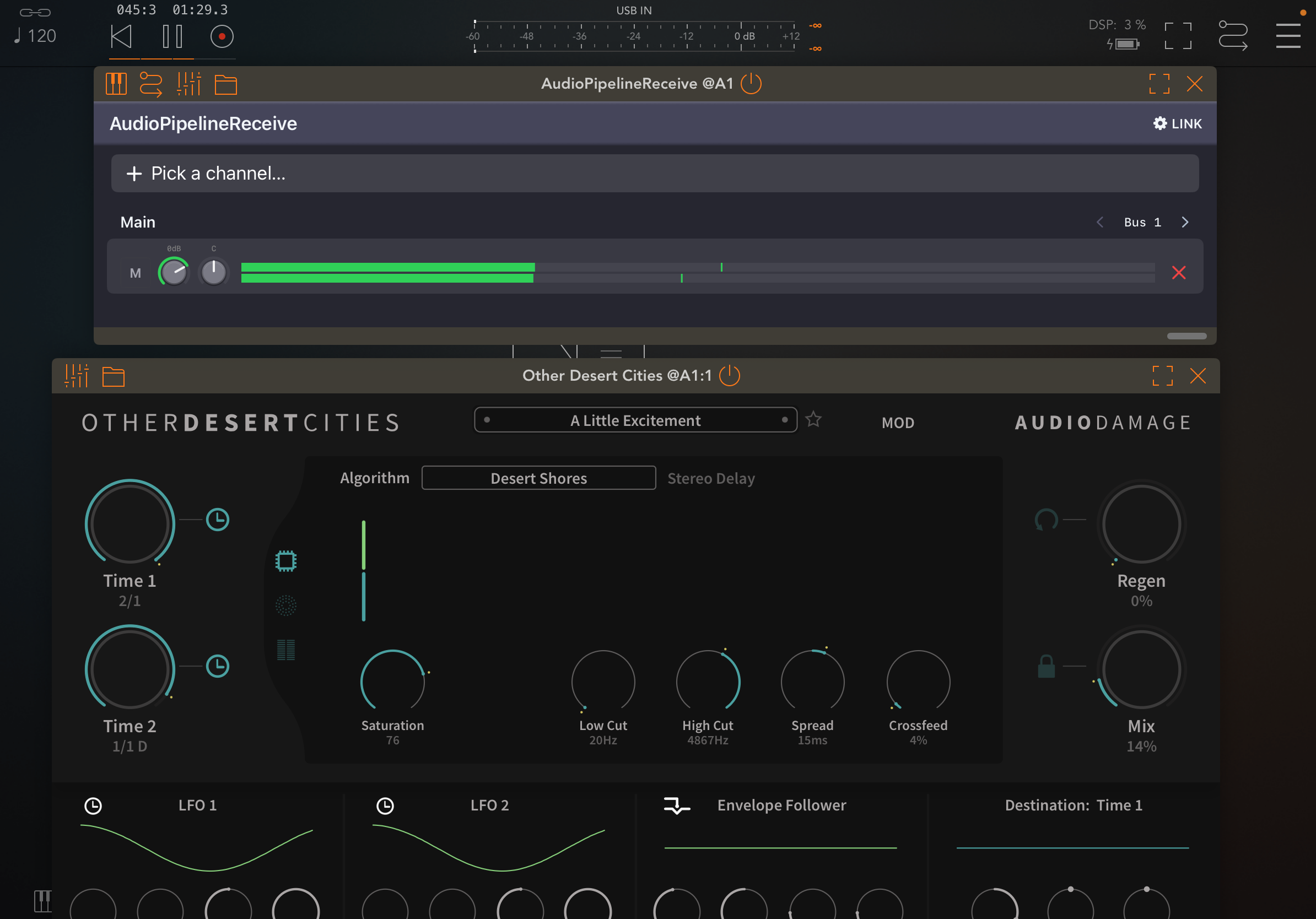
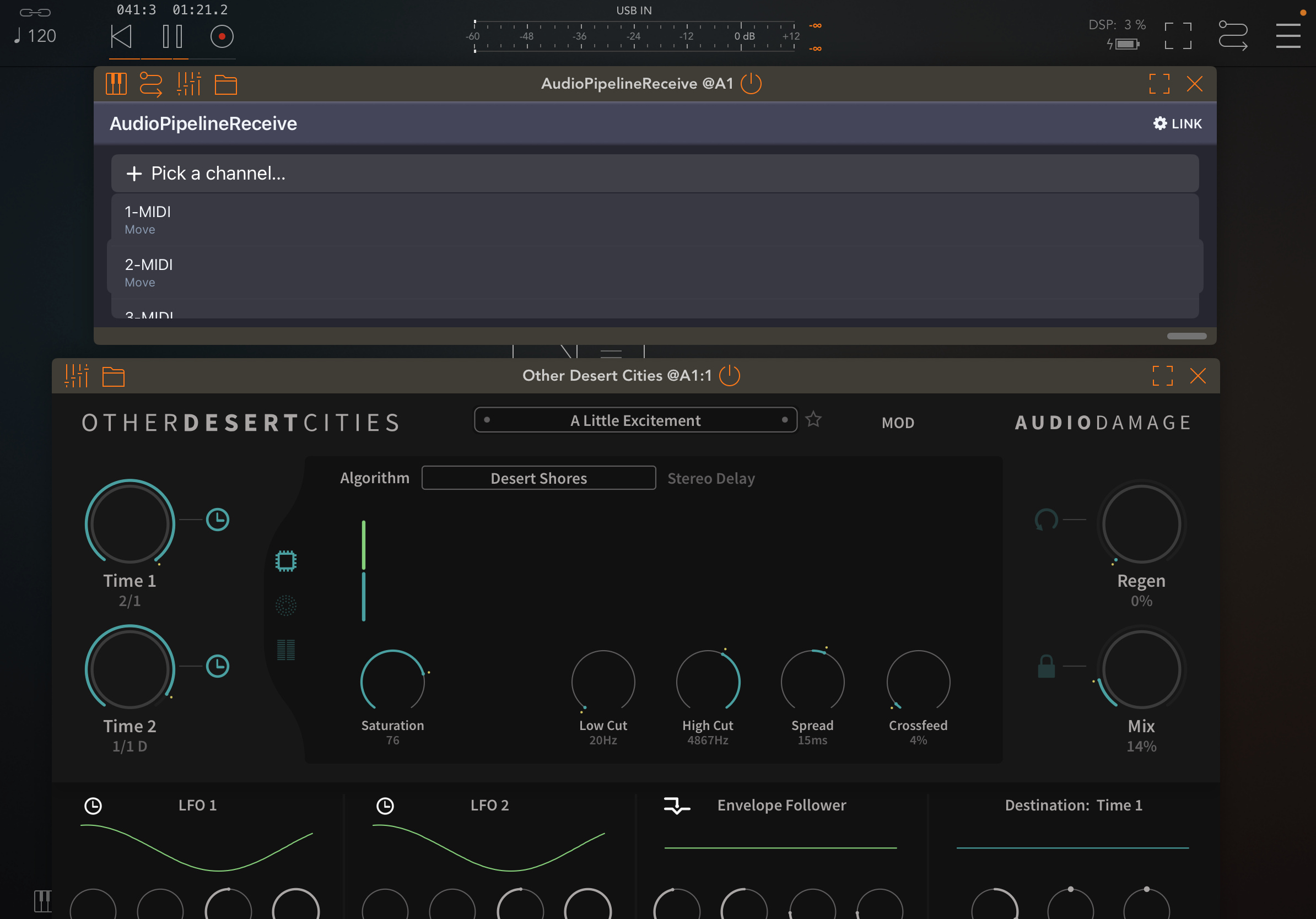
oh cool so it works .. so teick was just to have latest iOS veesion and lates Move firmware .. how simple :-))
Yer it appears it was the standard firmware for Move 2.0 that didn’t work but the current beta does. Check your Ableton Dischord stream as Fede informing dev team.
Works going into Logic on desktop also
This looks cool!
Sorry if this has been asked before, this is a pretty long thread.. Can I send from my iPhone to Logic Pro on my Mac with this?
Yep!
Awesome!
Thanks, Gav. V. helpful.