Loopy Pro: Create music, your way.
What is Loopy Pro? — Loopy Pro is a powerful, flexible, and intuitive live looper, sampler, clip launcher and DAW for iPhone and iPad. At its core, it allows you to record and layer sounds in real-time to create complex musical arrangements. But it doesn’t stop there—Loopy Pro offers advanced tools to customize your workflow, build dynamic performance setups, and create a seamless connection between instruments, effects, and external gear.
Use it for live looping, sequencing, arranging, mixing, and much more. Whether you're a live performer, a producer, or just experimenting with sound, Loopy Pro helps you take control of your creative process.
Download on the App StoreLoopy Pro is your all-in-one musical toolkit. Try it for free today.
Comments
Looks really good this, particularly the audio warping feature, which seems pretty unique outside of Logic. Surprised there’s so few vids and feedback…
It is a very immediate and streamlined host. Especially on the phone but the ui I feel has too much wasted space one the borders and edges. It should be a little smaller like aum or drambo. Even the play button and taskbar around it are huge. Life GarageBand huge. But I love this host sometimes just for a quick and frictionless sesh.
Yeah, probably not an issue for me though as I’d be running it on a 13” screen.
Funny you mentioned GarageBand, I haven’t used that for years, but just noticed it has audio warping. Think I need to re-download that one before jumping on the SAND bus.
Basically I want to record some of my wacky apps onto an audio track, and then chop/warp/edit the audio file and re-sequence it. I can probably do that in Koala, but prefer the UX of something like SAND or GarageBand.
Update: well that was quick, installed GarageBand and none of the sample editing and warp features I’m after are available on the iOS version. Deleted (again).
Way better than microfonts apps though.
Why do I get saving disabled when I have no internet?
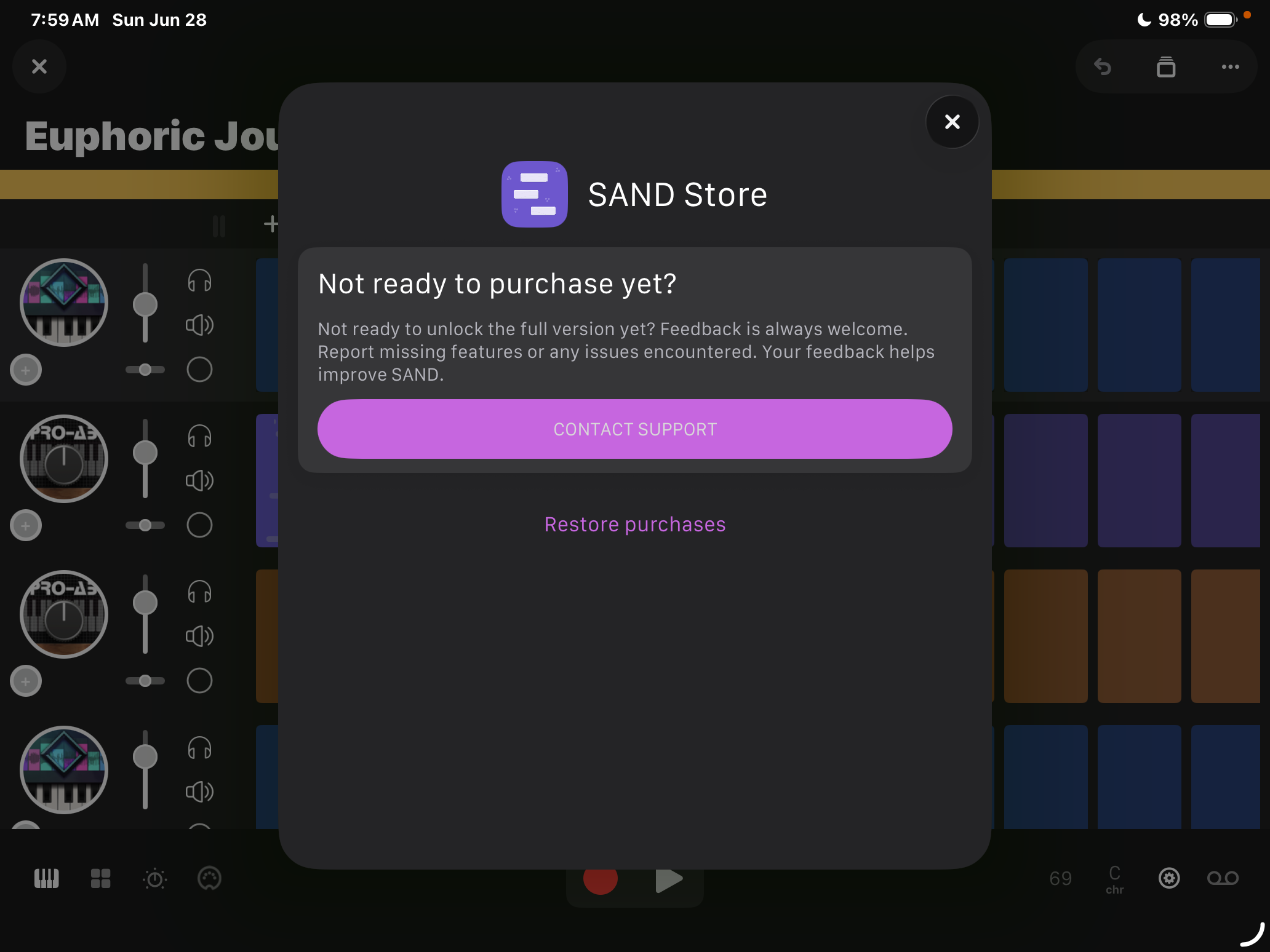
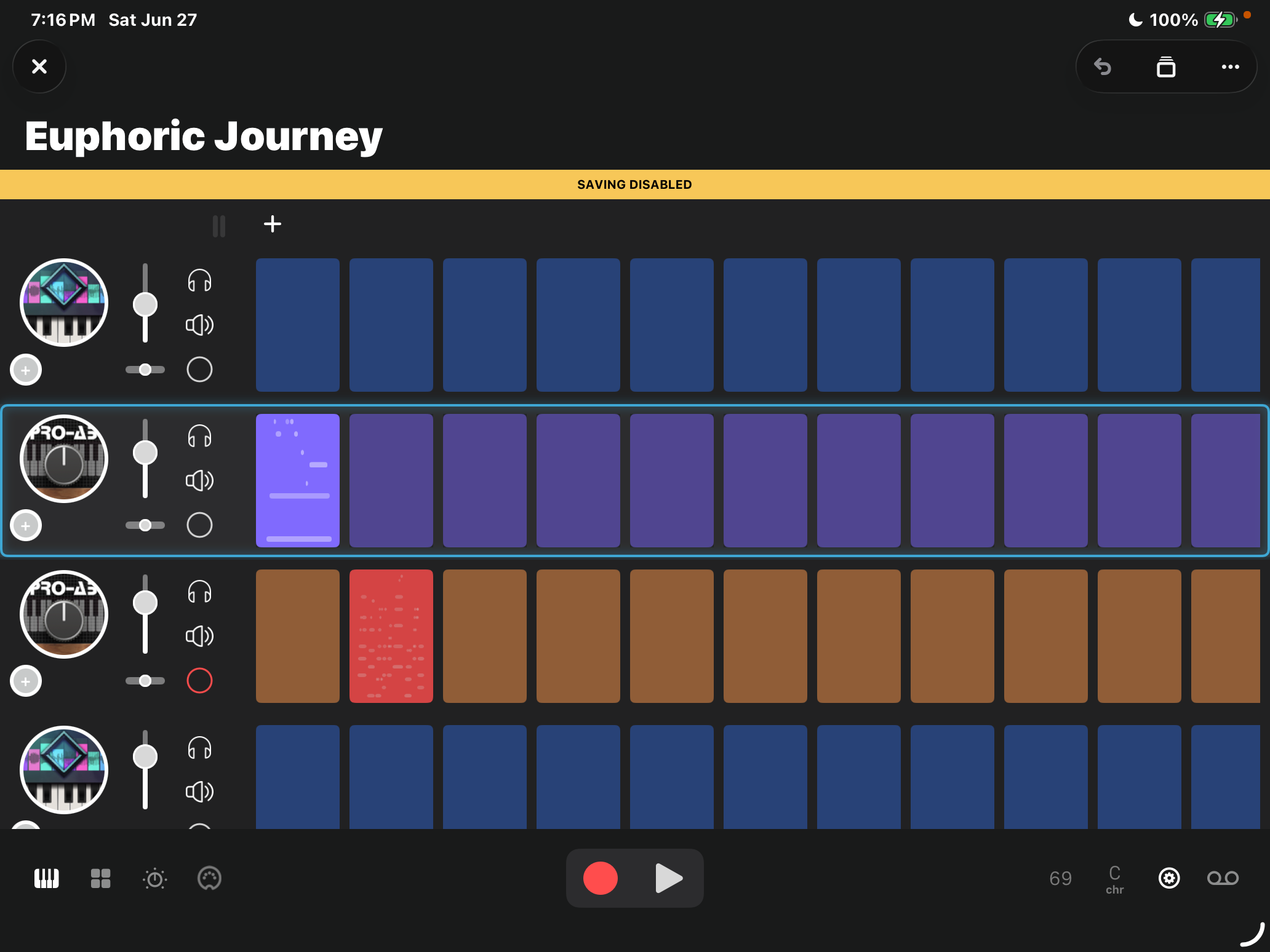
Have you purchased the free trial IAP? Saving’s disabled until you do.
Yes, purchased both, several days ago.
And restored purchase. Works great when I have internet.
But in the woods…… no
Even putting iPad into airplane mode brings up - Saving Disabled.
Seems to be trying to save in the iCloud on my trial version, haven’t seen an option yet to change this, but must be possible.
Hey, @oldsynthguy and @Optahealth! Go to your iPhone’s settings and type in Sand in the Search bar (or just search for Sand in your list of Apps).
Click on it and you should see a menu that looks like this:
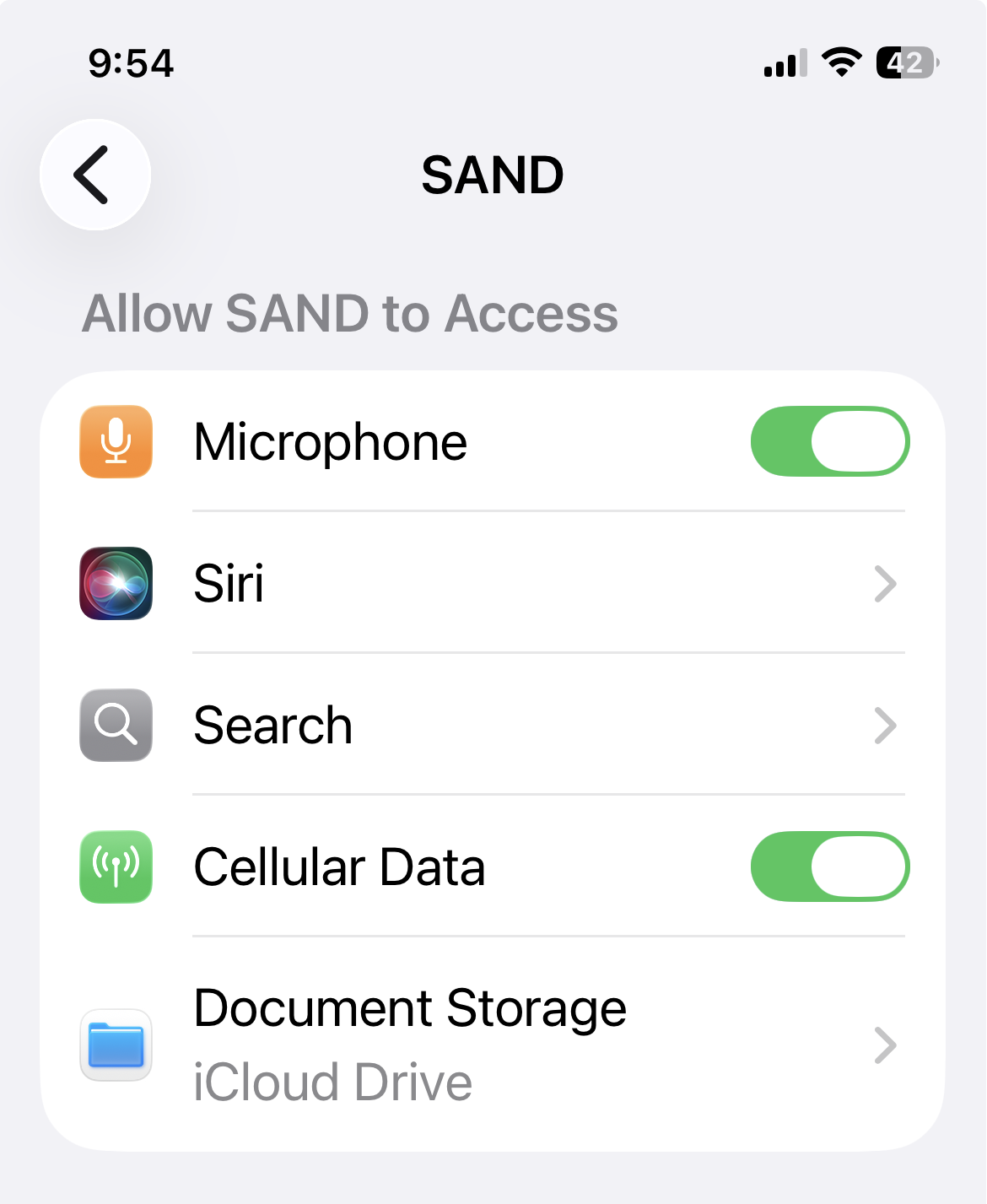
You have the option to change your Document Storage location. Some apps offer this in Settings and others (e.g. AudioShare) do not.
I’m not sure if that’s true for the trial version or just the paid one, because I learned this after buying the iap, but give it a look.
Anyway, I would guess saving it to your iCloud is the default for Sand, because I know I never set it myself.
Thanks - yeah just checked, and mine was set to the iCloud, so changed that to local.
I’m finding file saving a bit clunky generally though, seems a bit of a thing with iOS apps that they don’t have a ‘save’ button, just a ‘save as’ where you have to type in the same file name and confirm overwriting, and automatic saving. Just let me save!
Still got a bit more time with the demo, but it’s not convincing me to hit the buy button just yet.
@SAND
Thank you, @daddyfalldown BUT does not fix the problem.
If I am offline, the "Store" wants be to buy the app or restore purchase. So it seems there is some problem with verifying the app was purchased when it boots, if there is no internet access.
Hi, I just fixed the bug, an update it should be available shortly.
Thank you.
This app has great potential