Loopy Pro: Create music, your way.

What is Loopy Pro?Loopy Pro is a powerful, flexible, and intuitive live looper, sampler, clip launcher and DAW for iPhone and iPad. At its core, it allows you to record and layer sounds in real-time to create complex musical arrangements. But it doesn’t stop there—Loopy Pro offers advanced tools to customize your workflow, build dynamic performance setups, and create a seamless connection between instruments, effects, and external gear.

Use it for live looping, sequencing, arranging, mixing, and much more. Whether you're a live performer, a producer, or just experimenting with sound, Loopy Pro helps you take control of your creative process.

Download on the App Store

Loopy Pro is your all-in-one musical toolkit. Try it for free today.

SynthMaster One v1.3 Universal live

This discussion was created from comments split from: SynthMaster One v1.3 Universal Public Beta available.
«13456714

Comments

  • @kv331audio_bulent said:

    @MobileMusic said:
    iPhone version may have been reviewed by another person or maybe that person bought only the desktop library successfully and approved it. Their stance may be - if a listed IAP cannot be purchased, it is irrelevant to the app.

    Well, we list all of our products on that page. Anyhow, I know a workaround :wink:

    Not sure what the work around is, but c’mon listing irrelevant IAPs is not defensible 😅especially with instruments that are so similarly named.

    But either way I love SM1 so won’t complain too hard

  • @kv331audio_bulent : I saw your note about it being possible to
    Import wavetables. Is that only in the new version? If it is in the old version, how do you import them?

  • edited January 2020

    Are my iPad IAPs transferable to the iPhone version?

  • edited January 2020

    @TimRussell said:
    Are my iPad IAPs transferable to the iPhone version?

    Which iPad IAPs? We are going to release only one IAP: Desktop factory presets.

    If you have a license for the universal version of SynthMaster One iOS, yes of course you can restore them on your iPhone as well.

    Do not purchase the iPhone only version if you already have SynthMaster One iOS. You'll get the iPhone upgrade for free hopefuly today.

  • @realdawei said:
    Not sure what the work around is, but c’mon listing irrelevant IAPs is not defensible 😅especially with instruments that are so similarly named.

    But either way I love SM1 so won’t complain too hard

    Well, from my point of view we need to survive to be able to develop quality software, so we put all of our products in that shop area.

    (I've invested way too much time on iOS instead of updating SynthMaster to version 3 -at the expense of making our desktop customers angry-, and this time I hope we can at least earn a full time salary to pay for 1 software engineer in 2020)

  • @espiegel123 said:
    @kv331audio_bulent : I saw your note about it being possible to
    Import wavetables. Is that only in the new version? If it is in the old version, how do you import them?

    In the previous 1.1.2 version, you can drag-n-drop wav files on to the oscillator waveform displays, using the Files App.

  • @kv331audio_bulent said:

    @espiegel123 said:
    @kv331audio_bulent : I saw your note about it being possible to
    Import wavetables. Is that only in the new version? If it is in the old version, how do you import them?

    In the previous 1.1.2 version, you can drag-n-drop wav files on to the oscillator waveform displays, using the Files App.

    Tx. Very cool. Is there a manual I've overlooked?

  • @espiegel123 said:

    @kv331audio_bulent said:

    @espiegel123 said:
    @kv331audio_bulent : I saw your note about it being possible to
    Import wavetables. Is that only in the new version? If it is in the old version, how do you import them?

    In the previous 1.1.2 version, you can drag-n-drop wav files on to the oscillator waveform displays, using the Files App.

    Tx. Very cool. Is there a manual I've overlooked?

    Go to Settings and tap Help button

  • Is the universal version available yet?
    Or do I just attempt to buy the iPhone version but not get charged?

  • The new update...When saving/creating a new bank, the app crashes, repeatable. Also, I don’t see the new additional presets. I’ve reinstalled the app, and checked the Shop. Anything I’m doing wrong? A great app, I’m sure it’ll be sorted...

  • @TimRussell said:
    Is the universal version available yet?
    Or do I just attempt to buy the iPhone version but not get charged?

    As I understand it, the iPhone and universal are different apps at different price points.

  • @TimRussell said:
    Is the universal version available yet?
    Or do I just attempt to buy the iPhone version but not get charged?

    The universal app is out!

  • edited January 2020

    @musikeer said:
    The new update...When saving/creating a new bank, the app crashes, repeatable. Also, I don’t see the new additional presets. I’ve reinstalled the app, and checked the Shop. Anything I’m doing wrong? A great app, I’m sure it’ll be sorted...

    Regarding saving banks, did you mean saving presets? At what point does it crash?

    Regarding the additional presets, what did you mean ? The IAP? or the extra presets loaded when you register?

  • @kv331audio_bulent said:

    @TimRussell said:
    Is the universal version available yet?
    Or do I just attempt to buy the iPhone version but not get charged?

    The universal app is out!

    I have this app on my iPad already, but the iPhone version is showing 15.99

    Will I get charged again?

  • @musikeer said:
    The new update...When saving/creating a new bank, the app crashes, repeatable. Also, I don’t see the new additional presets. I’ve reinstalled the app, and checked the Shop. Anything I’m doing wrong? A great app, I’m sure it’ll be sorted...

    You get an extra 100 presets when you register from Settings

  • @kv331audio_bulent said:

    @TimRussell said:
    Is the universal version available yet?
    Or do I just attempt to buy the iPhone version but not get charged?

    The universal app is out!

    Do you have a link?
    Can’t find it (I’m on the UK store so perhaps just hasn’t arrived yet?)

  • @TimRussell said:
    Do you have a link?
    Can’t find it (I’m on the UK store so perhaps just hasn’t arrived yet?)

    It usually takes a while to propagate the updates.

  • @gregsmith said:

    I have this app on my iPad already, but the iPhone version is showing 15.99

    Will I get charged again?

    If you have the iPad version that became a universal with today's update. Do not buy the iPhone only version :)

  • @MobileMusic said:

    @espiegel123 said:

    @kv331audio_bulent said:

    @espiegel123 said:
    @kv331audio_bulent : I saw your note about it being possible to
    Import wavetables. Is that only in the new version? If it is in the old version, how do you import them?

    In the previous 1.1.2 version, you can drag-n-drop wav files on to the oscillator waveform displays, using the Files App.

    Tx. Very cool. Is there a manual I've overlooked?

    Go to Settings and tap Help button

    On iPhone version, tap on SM logo on top left

  • @kv331audio_bulent said:

    @gregsmith said:

    I have this app on my iPad already, but the iPhone version is showing 15.99

    Will I get charged again?

    If you have the iPad version that became a universal with today's update. Do not buy the iPhone only version :)

    Sorted. Always a bit scarey when the button says pay isn’t it! :)

  • edited January 2020

    @MobileMusic said:

    @musikeer said:
    The new update...When saving/creating a new bank, the app crashes, repeatable. Also, I don’t see the new additional presets. I’ve reinstalled the app, and checked the Shop. Anything I’m doing wrong? A great app, I’m sure it’ll be sorted...

    You get an extra 100 presets when you register from Settings

    Thanks, but I've been registered for years. 499 presets are showing up, perhaps that's all available? I believe there are 650 advertised in the update? Would I need to re-register possibly?

  • edited January 2020

    @kv331audio_bulent said:

    @musikeer said:
    The new update...When saving/creating a new bank, the app crashes, repeatable. Also, I don’t see the new additional presets. I’ve reinstalled the app, and checked the Shop. Anything I’m doing wrong? A great app, I’m sure it’ll be sorted...

    Regarding saving banks, did you mean saving presets? At what point does it crash?

    Regarding the additional presets, what did you mean ? The IAP? or the extra presets loaded when you register?

    Sorry, didn't see this. Yes, when saving a preset to a bank that hasn't been created yet is when the crash occurs. And as far as the presets, I've been registered for years, 499 presets show up currently. Hope this explains things better?

    Thanks for responding!

    edit: it crashes when choosing "new bank", right before saving the preset. In stand-alone mode. iPad Air 3, ios 13.3

  • @musikeer said:

    @kv331audio_bulent said:

    @musikeer said:
    The new update...When saving/creating a new bank, the app crashes, repeatable. Also, I don’t see the new additional presets. I’ve reinstalled the app, and checked the Shop. Anything I’m doing wrong? A great app, I’m sure it’ll be sorted...

    Regarding saving banks, did you mean saving presets? At what point does it crash?

    Regarding the additional presets, what did you mean ? The IAP? or the extra presets loaded when you register?

    Sorry, didn't see this. Yes, when saving a preset to a bank that hasn't been created yet is when the crash occurs. And as far as the presets, I've been registered for years, 499 presets show up currently. Hope this explains things better?

    Thanks for responding!

    edit: it crashes when cnoosing "new bank", right before saving the preset. In stand-alone mode. iPad Air 3, ios 13.3

    Created a new bank and SM froze with a grayish look to the screen. Restarted and created another bank. This one worked. Quit SM and restarted. Both banks show up. Kinda funky.

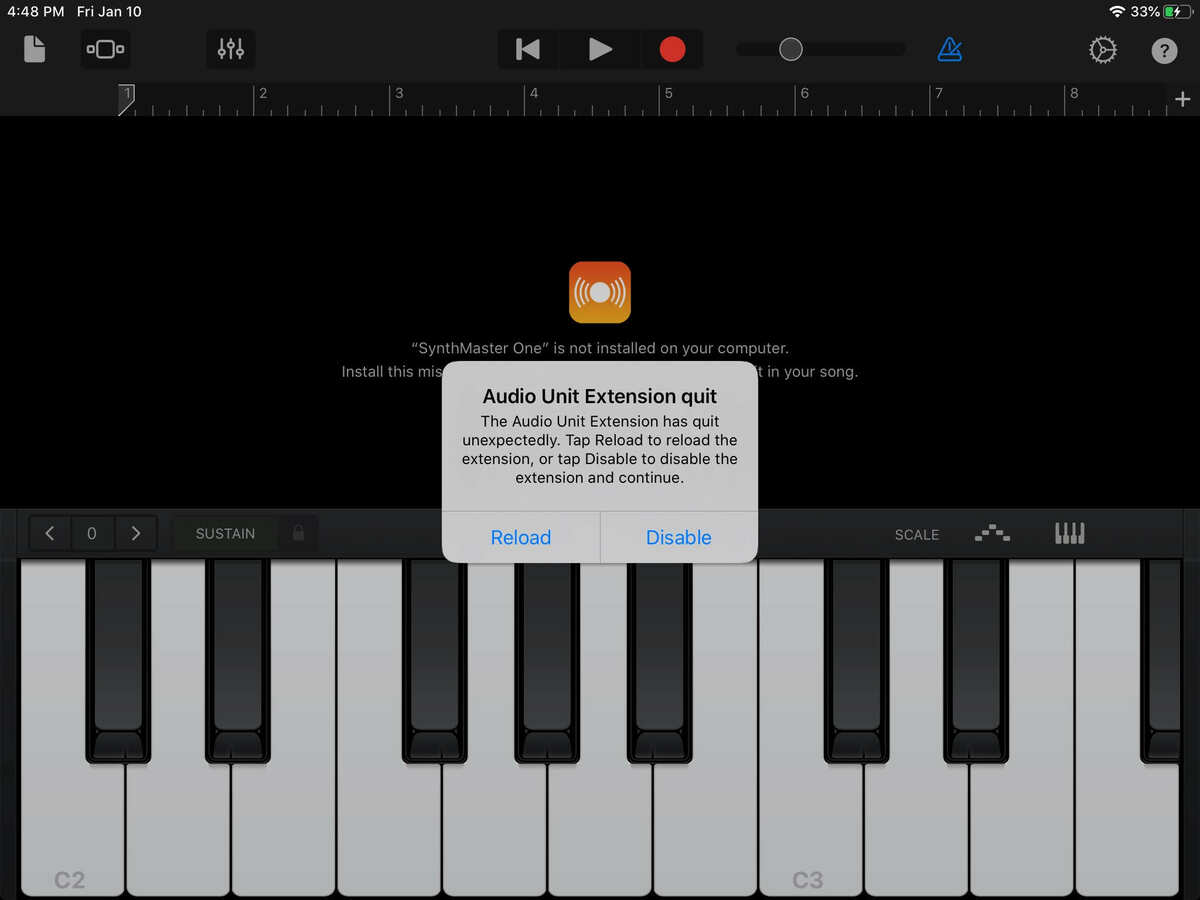
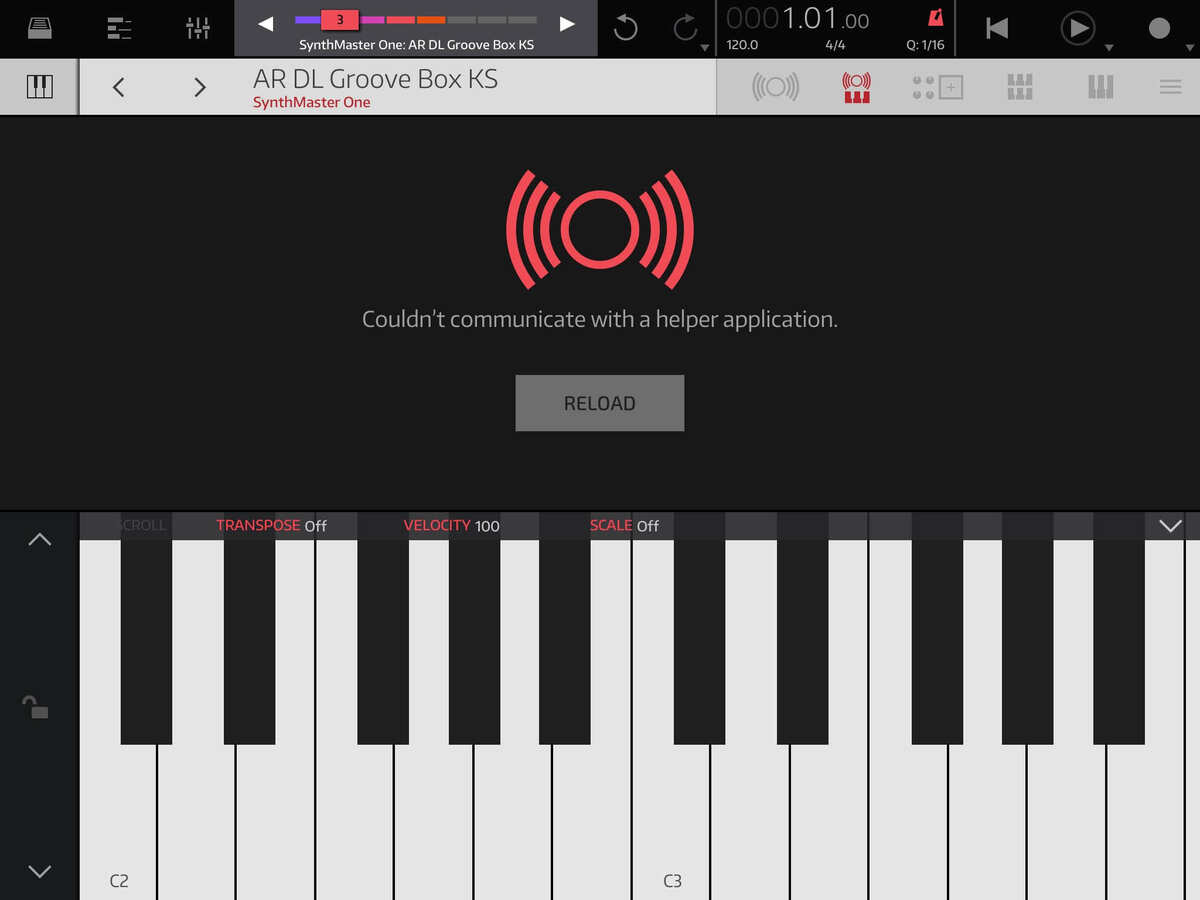
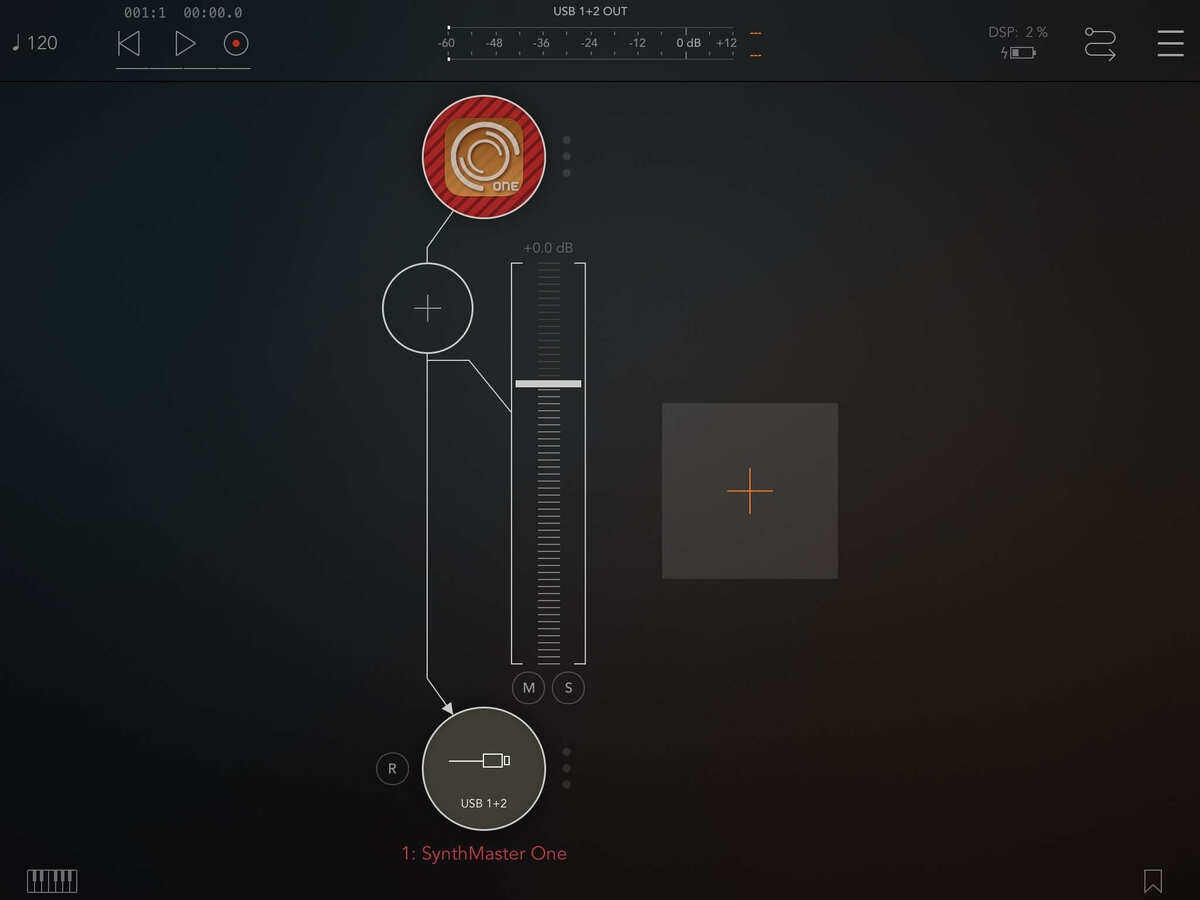
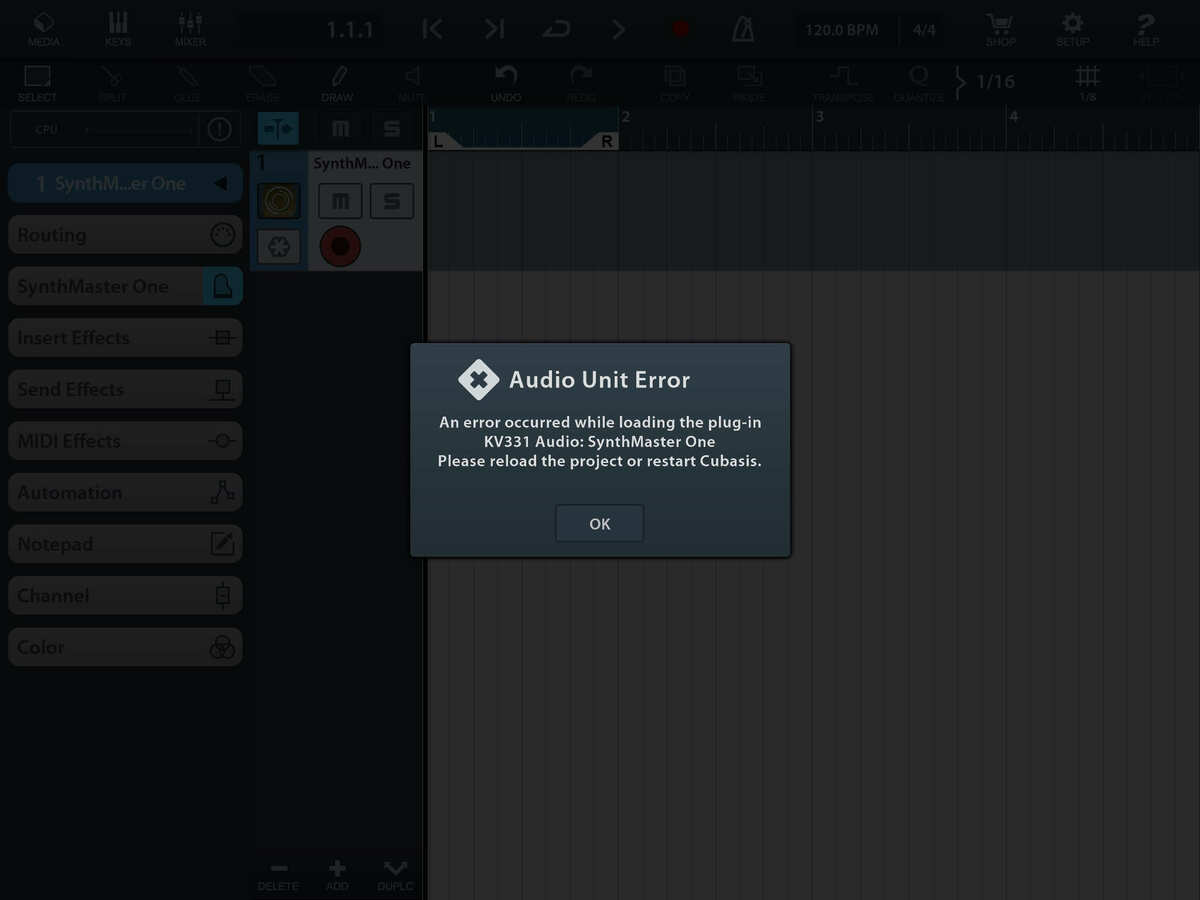
  • All I get is a lot of crashes with the stand alone, got it to launch once. Figured I’d delete and do a fresh install, still crashes, won’t load as an audio unit in anything. I’ve never been able to use it in any song and thought this update would finally let me use it on my Air2, nope....still unusable for me.
  • @musikeer said:
    Sorry, didn't see this. Yes, when saving a preset to a bank that hasn't been created yet is when the crash occurs. And as far as the presets, I've been registered for years, 499 presets show up currently. Hope this explains things better?

    Please tap the "Download Bonus Presets" menu item, thx!

  • @kv331audio_bulent said:

    @gregsmith said:

    I have this app on my iPad already, but the iPhone version is showing 15.99

    Will I get charged again?

    If you have the iPad version that became a universal with today's update. Do not buy the iPhone only version :)

    Sorry I do not understand well.
    Having already the iPad full, now just updated, what I have to do to download on my iPhone? Now it says €16.99...so do I need to wait some time before it will be free downloadable???
    Thanks so much and BTW working great on iPAD

  • edited January 2020

    @kv331audio_bulent said:

    @musikeer said:
    Sorry, didn't see this. Yes, when saving a preset to a bank that hasn't been created yet is when the crash occurs. And as far as the presets, I've been registered for years, 499 presets show up currently. Hope this explains things better?

    Please tap the "Download Bonus Presets" menu item, thx!

    Have done that, and it says "You already downloaded the bonus presets. Are you sure you want to do that again?" So still, even after saying "Yes", 499 total presets. Restarted the app, no difference.

    And not using the cloud for any presets, i.e. no sync, all internal.

  • edited January 2020
    The user and all related content has been deleted.
  • The iphone version in USA is showing for $1.99 with 300 presets and an IAP Upgrade to 1250 presets is $9.99

    The iPad/universal was showing for $19.99 last night but changed to $14.99 today... 650 presets with optional IAP $9.99 to upgrade to 1250 presets

  • The iphone version in USA is showing for $1.99 with 300 presets and an IAP Upgrade to 1250 presets is $9.99

    The iPad/universal was showing for $19.99 last night but changed to $14.99 today... 650 presets with optional IAP $9.99 to upgrade to 1250 presets

This discussion has been closed.