Loopy Pro: Create music, your way.
What is Loopy Pro? — Loopy Pro is a powerful, flexible, and intuitive live looper, sampler, clip launcher and DAW for iPhone and iPad. At its core, it allows you to record and layer sounds in real-time to create complex musical arrangements. But it doesn’t stop there—Loopy Pro offers advanced tools to customize your workflow, build dynamic performance setups, and create a seamless connection between instruments, effects, and external gear.
Use it for live looping, sequencing, arranging, mixing, and much more. Whether you're a live performer, a producer, or just experimenting with sound, Loopy Pro helps you take control of your creative process.
Download on the App StoreLoopy Pro is your all-in-one musical toolkit. Try it for free today.
Comments
"Open with" is not displayed for WAV in the Files app on my iPad Pro 12.9" M1 / iPadOS 26.
"Get Info" does not offer any options either.
Thanks - maybe shoot them an email. More likely they’ll check and resolve it quickly if more than one user reports the problem. Cheers!
It could be because the file You're looking at is stored inside the Audio Share container...
...try with files outside Audio Share...
'File Provider Extensions' are a royal PITA and I do hope @j_liljedahl is working on an updated version of Audio Share that doesn't rely on the File Provider... (Personally I have zero need for the current iteration of Audio Share).
Many thanks Samu!
Your tip worked immediately outside the AudioShare folder.
It worked at first. The assignment was lost again when FILES was restarted.
By the way, I'd be interested to know if you have the same frustrating problems with FILES.
When I exit the FILES app, all my individual settings are always reset.
FILES always starts with the same folder, so it doesn't remember the last folder I viewed.
The file sorting is always in reverse order.
The display of extensions is also reset.
The column selection, e.g., file size, will also be reset to default filetype the next time you start the program.
I was able to update my iPad Air 3 to iPadOS 18.7. Needed to hit the software updates link for iPadOS 18.7 to show up as an option.
There's so many visual improvements for tired eyes that just make me happy. Goes for both computer and pad. Coloured folders e.g, not just a little dot that didn't help much. Sure, they're late with this but I don't care, it's now I see them 😃

I did the iPadOS 26 update today. It was the alleged improved battery life, the multiple audio input selection, and the improved file associations that sold me.
So far everything seems fine. And get this; THOR still works!
Awesome!
How much space does iPadOS 26 takes, compared to 18.7?
I’m still on an iPad 8 and not sure if it’s a good decision to update…
I updated my iphone 14 and from an aesthetic perspective it looks like windows vista for ios. So many distracting flashing 00’s looking things. Trying to tone it down a bit, so I can use my phone as seizure-less inducing as possible
Good improvements on legibility, though, that’s a plus for me
If you’d report what hardware you’re updating, that’s helpful.
If you’re replying to me then like I said an iphone 14. Not putting this on my other devices ipad9 and air2 😅
Gotta get adapted to safari as well, why keep complicating things that should be the easiest
Stop crippling 3rd party browsers should be mandatory
A question about ios 26 for iphone.
I have an iphone 13 updated to ios 26,
Visualy there is little difference.
No liquid glass just a thin white line around app widgets. Thats it??
I dont have enabled the “make less transparant” function in settings.
So thats not it.
Has anyone else seen that Bark Filter now shows no preset options on iOS26?
This is how it looks after the 26 update.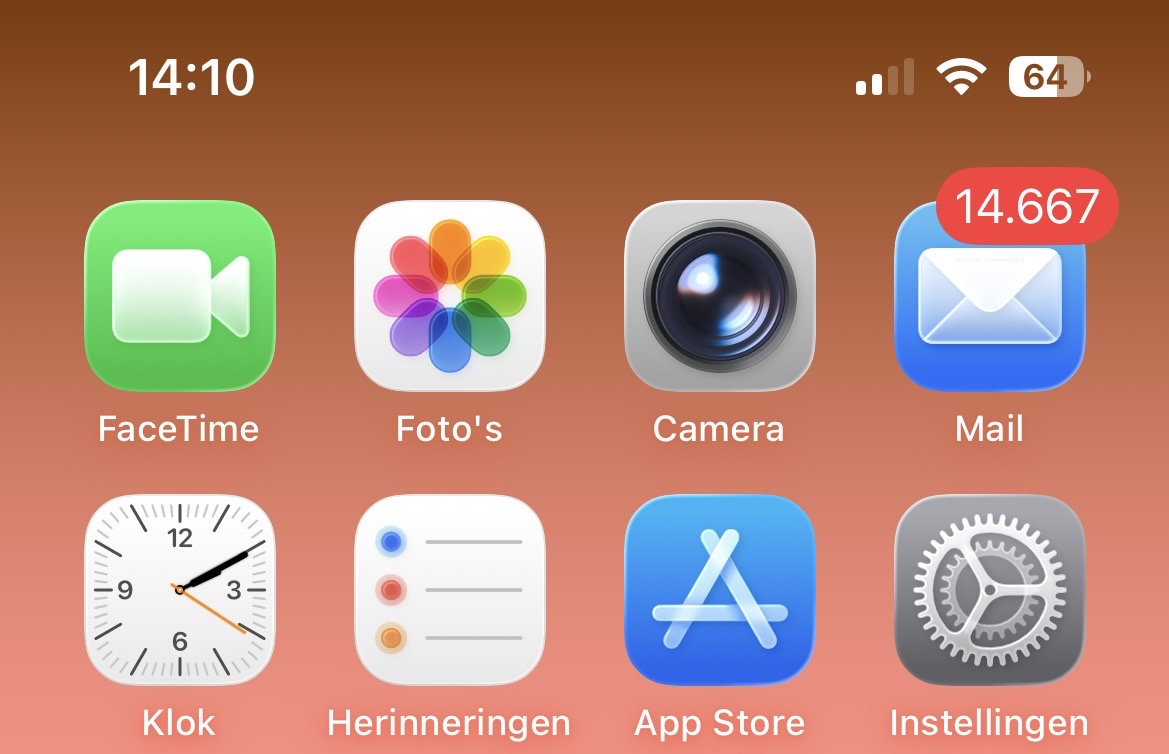
Good eye! I’m sure Harry will fix it soon.
For now, I have plenty of saved projects with BF saved in the “Tripleband” preset state.
Just checked; the AUM host presets still work.
Oh right! Mine is a 5th gen iPad Pro 12.9” M1 w/1TB (16GB RAM)
So far, everything seems fine, save for a few apps like Barkfilter (see above) that need an update.
And then there’s some apps that are real friendly to the dynamic window sizing (like Drambo - I can literally make the window any size I want) and then there’s others that are not at all.
Now my phone (an iPhone 11Pro max w/128GB), I updated to iOS 18.7.
My first post here! And just a question:Since the update to iOS 25, my Belkin audio and charging adapter (the thing with the two Lightning ports) no longer works. The iPad charges, but the interface isn't recognized anymore. I've already eliminated the 'usual suspects': I've tried all possible combinations with plugs, cables, order, etc., restarted everything completely, and nothing has worked.
Its so weird I already did a restart. Nothing
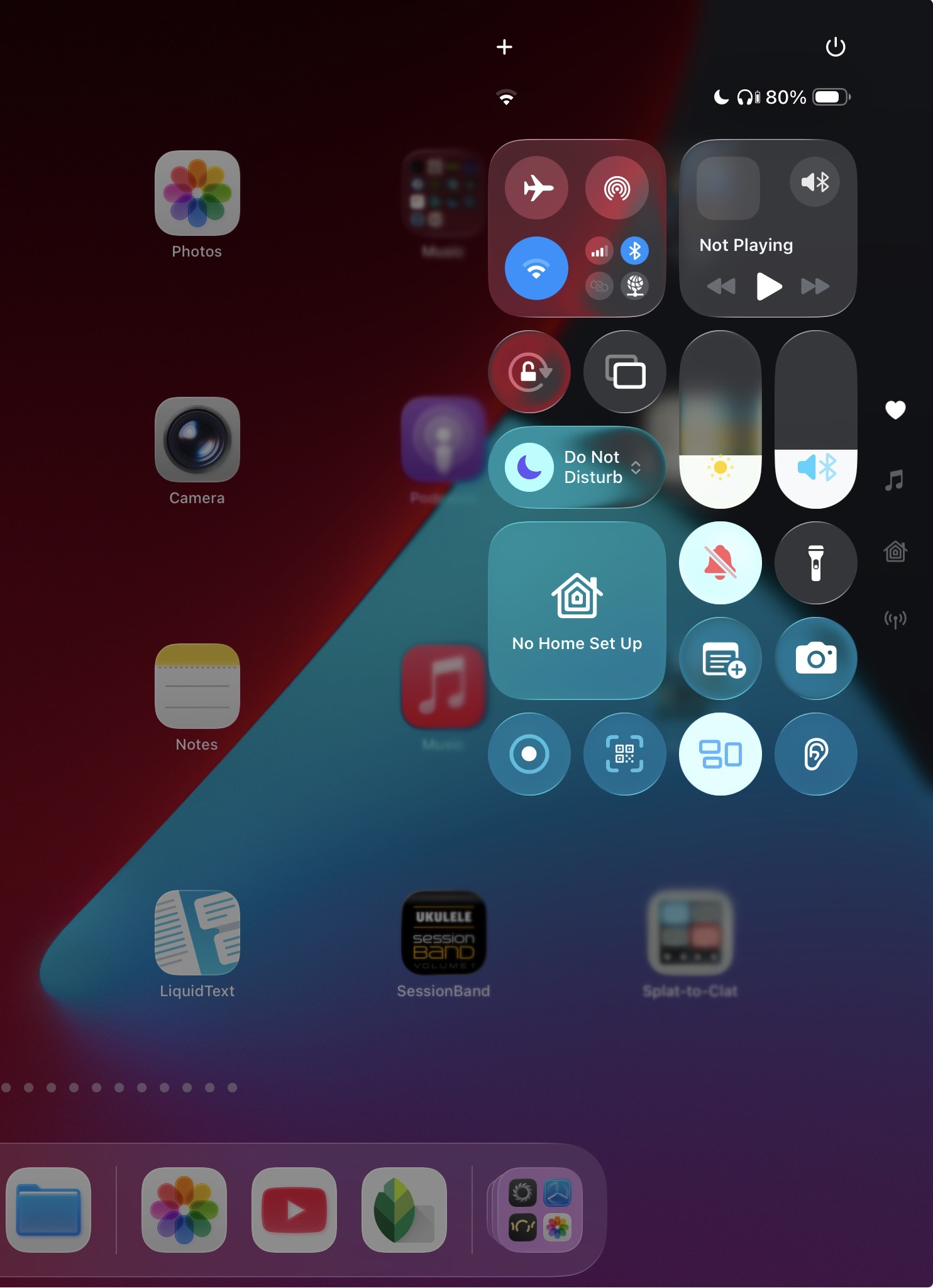
Maybe share a photo of what your control center looks like, Liquid Glass should be very noticeable there.
Hi. Could you post a link to the Belkin adapter, or at least a picture? It seems Belkin has a lot of models with the same name.
If your audio interface has a Lightning connector, does it still work when connected directly to the iPad?
Do you expect to see a different style of icon? You can get some of those by going into the Home Screen settings
It is this one: https://www.belkin.com/de/p/lightning-audio--und-ladeadapter/P-F8J198.html?srsltid=AfmBOopXUTZgbWNTrQrkzsatc_wSz3T_X9wwJRKwVCpuC7Mrtvgd6Xy_
when it is directly connected (of course always through the Camera Adapter) it works without problems
Anyone know if Auria Pro works on IOS26?
I see. So you're connecting the USB audio interface to the Camera Adapter, then to this two-port Lightning splitter. That splitter looks very suspect to me. Apple has never made one, and I had never seen one despite being a Lightning device user for 12 years.
If you just need lightning to power and USB, why not use the newer Lightning to USB 3 Camera Adapter?
Here is a foto. Grey with a white line. Nothing special I think.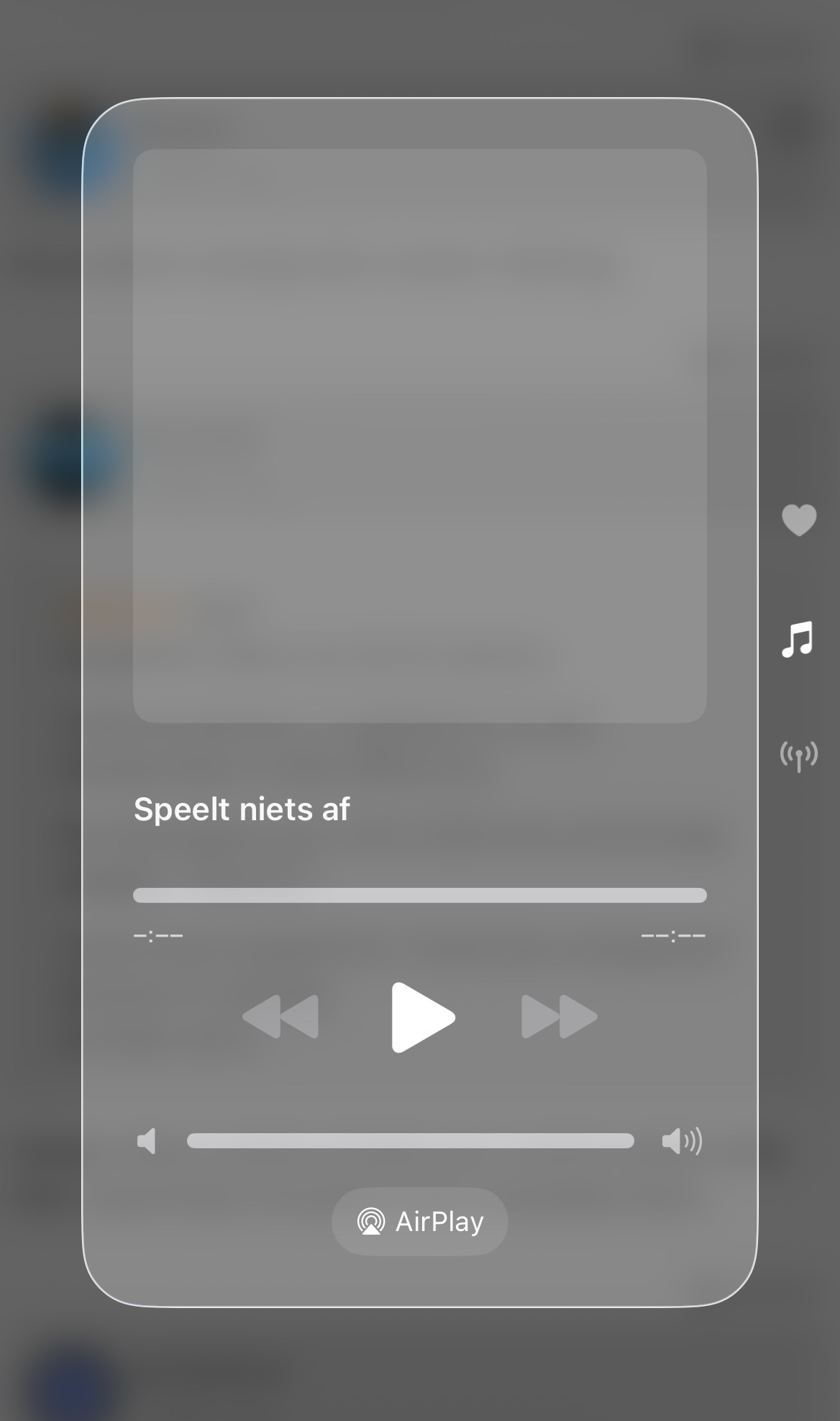
Yes there I can change the apearance of the widgets, didnt know that. Thanks.
Still think it doesnt look very special. Not if I amblooking at glass or something.
Maybe my device is too old
@Meek3 This is mine