Loopy Pro: Create music, your way.
What is Loopy Pro? — Loopy Pro is a powerful, flexible, and intuitive live looper, sampler, clip launcher and DAW for iPhone and iPad. At its core, it allows you to record and layer sounds in real-time to create complex musical arrangements. But it doesn’t stop there—Loopy Pro offers advanced tools to customize your workflow, build dynamic performance setups, and create a seamless connection between instruments, effects, and external gear.
Use it for live looping, sequencing, arranging, mixing, and much more. Whether you're a live performer, a producer, or just experimenting with sound, Loopy Pro helps you take control of your creative process.
Download on the App StoreLoopy Pro is your all-in-one musical toolkit. Try it for free today.
Drambo - “visual extension” : Released
This looks interesting.
Comments
what?, where?, how?, who?
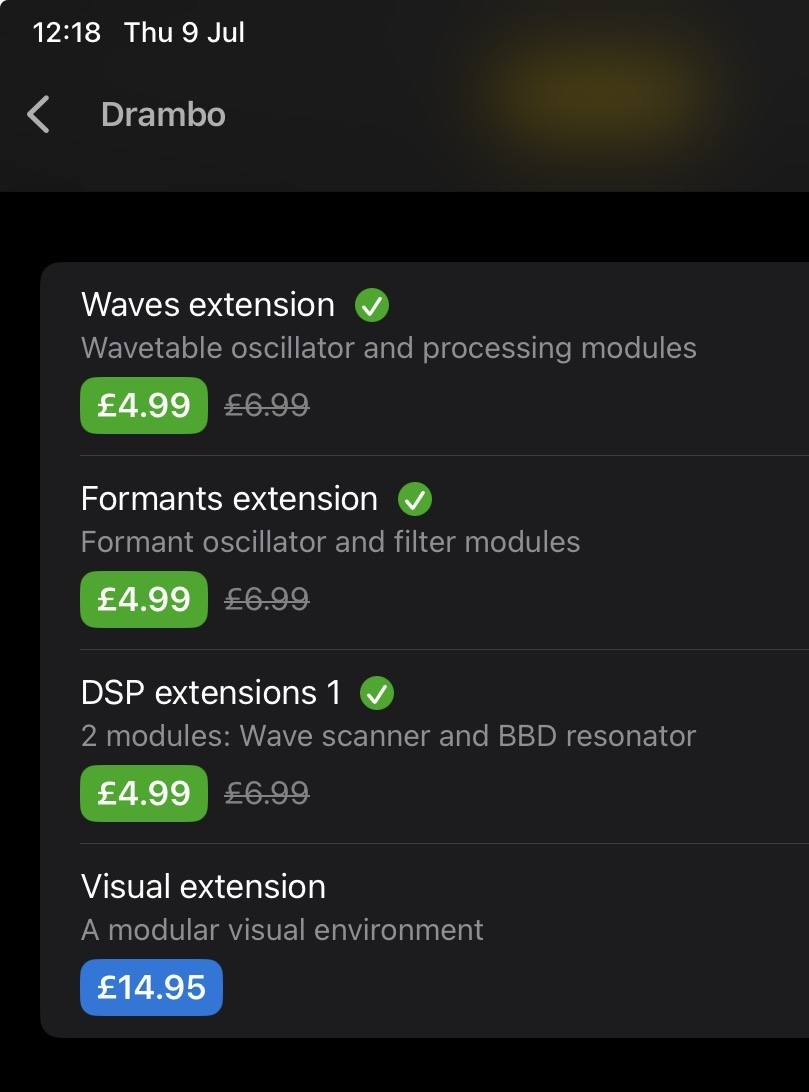
IAP showing in AppRaven.
Also:
https://www.beepstreet.com/drambo-docs/drambo-visual.html
Good Things Come To Those Who Wait
time goes by, so slowly so slowly so slowly

@Samu is there a list of visual modules, including their parameters?
This one is a bit more up to date:
https://www.beepstreet.com/drambo-visual/drambo-visual.html
@rototom I think it covers all the modules as well. Note that visual modules are more abstract/generalized than DSP ones, i.e. most functionality is achieved (e.g. a CRT "filter") as presets of a module or combinations of them.
ok, thanks @dpeace @Grandbear
interesting read!
can't wait:)
is the projector window accepting touch/mouse events?
You guys are in for a real treat!
Oh yeah!
Does anyone have information on how many shaders can be loaded and whether there are parameters for editing and automation?
What if Drambo’s existing automation could be linked with shader visuals in a user-friendly way, now that would be something!
Was this sarcastic? There are loads of parameters exposed, But I want to know, whether one can actually create a visual show based on the events in a song with it?
Sure, sure. Didn’t mean it sarcastic. Parameters are exposed, they can be modulated by events and other signals.
@82sechskant_weide @bleep
The answer to your questions is yes.
As many shaders as your GPU can handle
Shaders can be created modularly or coded
All drambo signals may be used to modulate said shaders
You can mix shaders, p-lock into compositions, use transitions, and much more
Oh, and did I mention there’s audio/video export and HDMI support?
Shall we post a few demos while we wait for it to go live?
Thank you, I understand. To be honest, though, this reminds me of a static shader, the kind we've known for decades. I'd prefer a more dramatic, dynamic design system. As you say, it should work with this extension, but we haven't proven it yet.
What I mean is that there are countless examples where an endlessly repeating shader is somehow 'jerking around'.
Here's one I did for @pedro back in 2024.. yeah, we've been beta testing this thing for 3 years 😅
Ok, as it started ... some videos from testing
Another important question is: Does it support the visualization of frequency (spectrum) parts of the sound? For example, is there a parametric interface that allows the animation of a specific frequency spectrum range or an envelope follower, or something similar – for instance, the visualization of an FFT analysis result in the manner intended by the shader design?
Or is it all more of a consumer affair, where you simply create a shader that kind of wiggles around in rhythm?
The shader isn’t a black box here, you can compose it from modules.
You can mix and switch between multiple sources with transitions. Yes, these videos appear looped, they’re mainly tests.
Spectrum Analyzer, 2 oscilloscopes (classic, XY) , 3 Bands analyzer (energy, transient) and existing Transient detector.
The spectrum analyzer returns a texture, which you can use in many ways: to distort or modulate other modules with per-pixel modulation, or to read a single pixel and use it for modulation.
You can use the LFO, Pitch CV signal Gate or other source to drive both audio and visuals. Scene module (vertex shader based) accepts MIDI inputs.
So technically: Could I use Drambo as a plugin that (merely) generates a video for my songs (written with anything other) in an exact event timeline, so that the final result is a dramaturgic video exactly as supposed to appear with sound and video export?
Yes, technically you can. Since the visuals use the same sequencer, you can use parameter locks to switch between different visual sources or trigger specific parameters at exact steps on the timeline.
That said, it depends on the kind of video you want to make. If your goal is to assemble and edit a traditional video story using pre-made clips, a dedicated video editor like Final Cut is a much better tool for the job. Drambo Visual is designed for real time visual synthesis and modulation rather than linear film editing.
I am understanding. No, I mean such things like expressing dark feelings with darkness, fizziness with even that and so on - artistic even. In short: I want to put in the audio stream and generate an orchestrated video out of it, not necessarily using Drambo's internal sound generation or sequencer at all , but as a specialized video rendering plugin.
I'm by far not as deep into it as @Edward_Alexander for example and haven't done that much with the visual modules in Drambo. That said, I found it relatively easy to get something going with images through some processor shaders and some modulation. I'm pretty happy with what I got out and will dive in again shortly (:
https://youtube.com/shorts/a5-8CznhrX8
https://youtube.com/shorts/S8ligobZ9Gg
🙏🙏🙏