Loopy Pro: Create music, your way.
What is Loopy Pro? — Loopy Pro is a powerful, flexible, and intuitive live looper, sampler, clip launcher and DAW for iPhone and iPad. At its core, it allows you to record and layer sounds in real-time to create complex musical arrangements. But it doesn’t stop there—Loopy Pro offers advanced tools to customize your workflow, build dynamic performance setups, and create a seamless connection between instruments, effects, and external gear.
Use it for live looping, sequencing, arranging, mixing, and much more. Whether you're a live performer, a producer, or just experimenting with sound, Loopy Pro helps you take control of your creative process.
Download on the App StoreLoopy Pro is your all-in-one musical toolkit. Try it for free today.
Comments
is there a setting to use an external monitor on ipad?
edit: found it. tap on hdmi text on top of the projector window.
the projector window stays open but black on ipad. is this normal?
This is amazing, and will consume countless hours. Is there a way to feed data from the visuals back into the audio modules? I've looked but didn't see it.
Agreed.
No, what data where you thinking?
I've been playing with some stuff in processing.js where I analyze various aspects of an image to create data sequences. For example, if I have an image of tree bark, I can scan across it in chunks, calculate the relative darkness and then use that data sequence in a musical context. Hopefully that makes sense.
Yes, you'll just have to re-size that black projector window, and move it out of the way somewhere in a corner for now. I've been making it real tiny.
I requested he try moving the HDMI button to the actual projector module, rather than the open projector window. That way user can select HDMI, or Open window (on iPad)
He said he's going to fix it, but I'm sure it got buried under a bunch of other stuff. I can only imagine how complex this is under the hood.
You mean like using a texture to modulate an audio signal? This has been discussed. I'll let @giku_beepstreet provide a better answer.
You can certainly simulate it by having your sound elements and your chosen visual elements take their modulations from the same source.
I bet something like this could be put together. (maybe with the help of a select LLM)
Most probably, there is an iOS app called VOSIS that users
can import images into and make sound textures from the images using luminance.
Learning a tool like this is beyond my capacity right now, but I'm excited to see what people make with this.
Drambo is an amazing accomplishment.
how great is this? to think I missed the initial release...
I am trying to hook up Drambo visuals with other video apps.
I am not aware of different outputs (like sending the video over NDI). I am also not able to capture only the visuals window in OBS on my Macbook [it captures the Drambo window with it]. Or syphon it through Syphon.
Anyone ideas or workarounds?
Visual to audio modules are coming soon. I'm on it.
There’s your answer @andrewmalone
I myself have requested it during the beta, and giku said something was possible, now is confirming
Btw, if you’re into processing then you’ll be right at home with the Scene module. Share some stuff, if you will
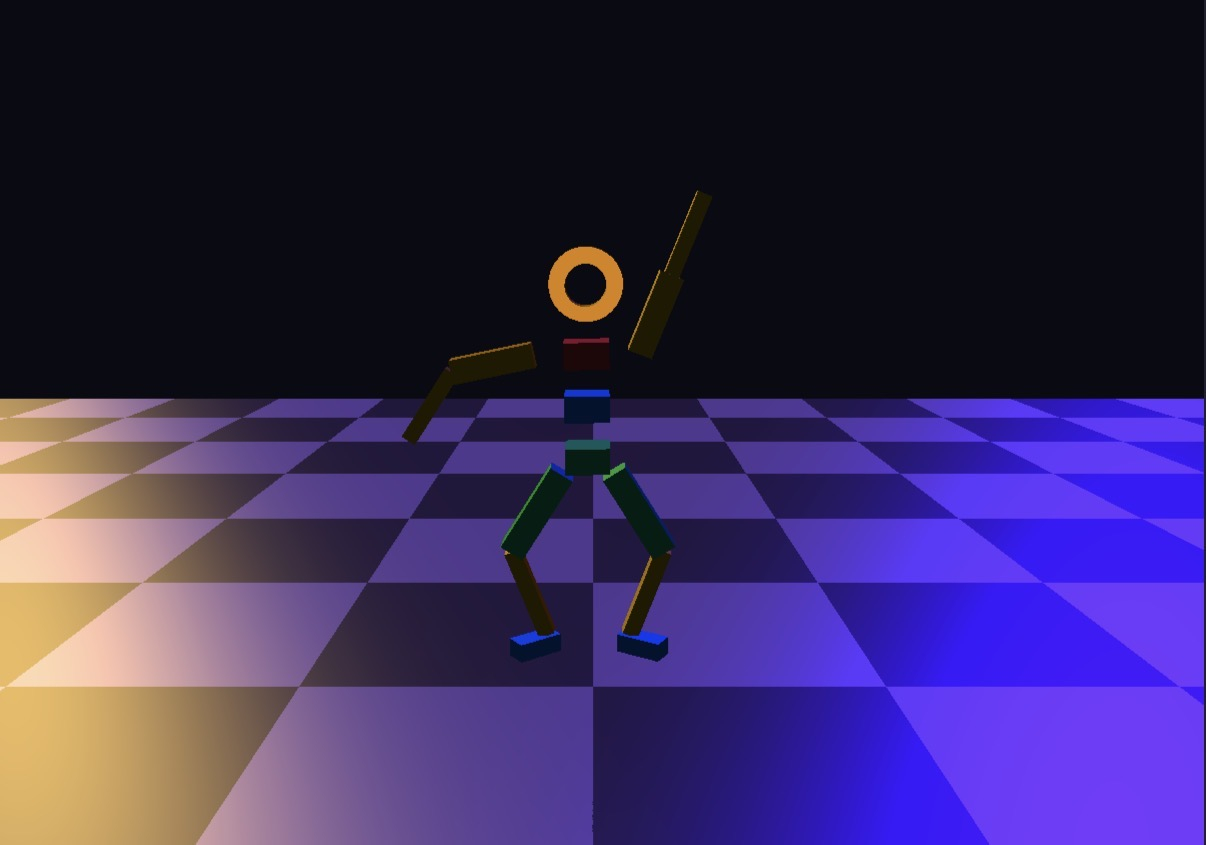
Here’s the last thing I did with it (it’s animatable)
This is such a wonderful, unexpected extension!
I don't know if Peter Kirn from CDM has come across this yet, but I'm sure he'll enthusiastically lose his s#!t when he does 😂
When it comes to Drambo, you ARE the manual, @bcrichards.
Edit: or at least, the Quick Start Guide 😁
@giku_beepstreet, maybe it’s not technically possible but are there any built in demo examples using Visual which can be seen before purchasing? I had a brief look last night but couldn’t see any.
If it’s technically possible to load examples without the user having access to use the modules they’ve not purchased, I’d recommended some being added?
Can 3d models be imported or is it only 3d shaders? And can non-3d elements (such as an image file or video) be animated in the xyz environment?
Unfortunately, you can’t try the Visuals expansion before purchasing it.
3D model import is not available yet.
2D elements such as shaders, text, video, and images can be used to generate and modulate 3D stuff.
Texture signal may be used as a per-pixel modulator or to generate 2D or 3D masks, drive XY/XYZ Transforms etc..
If anything in the manual is unclear, please drop me an email. I think it will need a few more iterations.
Many thanks for the info @giku_beepstreet. I wasn’t actually suggesting a ‘try before you buy’ scenario, simply a ‘see it in action before you buy’ scenario via demo projects bit if it can’t be done, fair enough. Cheers.
A short video scrubbing example.
processor shader/transform/rotate, move, scale
i'd like to change the script so that even in largest scale, the input(image) x and y will make the image completely leave the screen. like x, y changing relative to scale.
you know what i mean?
@giku_beepstreet
The intro video by @bcrichards is an excellent overview of the general idea, workflow and the depth of possibilities here. If you’ve used any visual/graphic stuff before you can probably get a good idea of whether the workflow would suit you.
I’m sure it won’t long before there are more in-depth end-to-end tutorial vids, though.
Having just watched that intro, I’m really, really impressed by the depth and accessibility of this. My job is in visuals (interactive, animation, mograph, etc) and some of the ‘high-end, low-level’ stuff I have to use can be a bit gruelling, but this looks like a proper playground!
As always with Drambo, I’d love to have an option to visualise connections via some subtle cabling or other pointers, not just colour, but that might just be ‘cos I’m used to node wrangling. This still looks VERY cool.
You can modulate X and Y params with the same source, that modulates the scale.
btw. For specific questions, let’s switch to email or beepstreet forum.
My background with visuals is zero. For years I’ve been meaning to simply look up “what is a shader” but haven’t.
If Drambo has been your normal playground, then what Giku did here is super approachable and not difficult to grok. All i did was watch Ben’s video (didn’t finish it yet) and load the three example projects to observe and read the module “help” descriptions. I still haven’t read the manual but i was able to put together some simple reactive things to my music tracks in Drambo without great effort.
Listened twice cause i like the music.
🙏🏾
How does this compare to VS Visual Synthesizer by Imaginando, in terms of capabilities and overall learning curve?
Me too mate. Thumbs up!
btw. the “AI-Assisted Visual Coding” chapter has been added to the manual, and it really works.
https://www.beepstreet.com/drambo-visual/let-ai-code-your-visuals.html
It's definitely a new era for dRambo AI-assisted mangling works.. 😅