Loopy Pro: Create music, your way.
What is Loopy Pro? — Loopy Pro is a powerful, flexible, and intuitive live looper, sampler, clip launcher and DAW for iPhone and iPad. At its core, it allows you to record and layer sounds in real-time to create complex musical arrangements. But it doesn’t stop there—Loopy Pro offers advanced tools to customize your workflow, build dynamic performance setups, and create a seamless connection between instruments, effects, and external gear.
Use it for live looping, sequencing, arranging, mixing, and much more. Whether you're a live performer, a producer, or just experimenting with sound, Loopy Pro helps you take control of your creative process.
Download on the App StoreLoopy Pro is your all-in-one musical toolkit. Try it for free today.
Comments
Insult? lol no way dude, your pics are amazing! All of them!
Guess I was trying to be funny. Maybe it was just me
Ok, thx 🙏 it didn’t seem like an insult, but wasn’t sure. I decided to upgrade to a new iPhone so I was uploading the last of my XP4N images before I wipe my previous iPhone to sell or trade in. Thought maybe all the images I’ve uploaded lately annoyed
The flow of time...
No, just passionate about it as a hobby. I was able to sell a good bit of music gear for funds and coincide the purchase with my 50th birthday, no way I could have done it otherwise.
Oh, well happy birthday to you! Love the photography!🤙
Which gear are we talking about? Finally upgraded to the 17 pro max. Hoping XP4N gets updated to take advantage of it. Playing with project Indigo some, but like the native app with 48 raw a little better so far. Also got some m43 gear to play with cheap Chinese m43 mount lenses - did you go Leica or hasselblad
Leica Q3 43.
I like the raw files in the camera app more than Indigo too. Neat tech, but nothing that would make me switch yet.
Thanks!
I was hesitant about the 17 pro max upgrade… but after looking at the raw 48mp files and expanded lens range as well as good macro… I’m seriously wondering if I even need the m43 I bought last year. I’ll keep it for fun playing with cheap interesting lenses and sync flash photography. As far as I know, the iPhone still can’t do sync flash strobe work, unless there’s a method I’m unaware of.
Nice in the Leica - too rich 🤑 for my blood 🩸
The main camera in the 17 Pro is really nice, I pretty much never bring an actual camera with me hiking and backpacking anymore. And nature and landscape stuff is my favorite kind of photography, the 17 pro just does so much for something I’m carrying anyway.
@brambos Would you consider an option to launch XP4N from the Camera Control Button?
To enable your third-party app to launch when the Camera Control button (the capacitive hardware button on iPhone 16 series and later models) is pressed, your app must support the system's locked camera capture experience. This is required for the app to appear in the user-facing selection list in Settings > Camera > Camera Control (under options like "Launch Camera" or similar, where users pick which app opens on button press).
Apple restricts this integration to apps that provide a legitimate camera capture experience (e.g., third-party camera apps like Halide, Blackmagic Camera, Instagram, Snapchat, ProCamera, etc.). Arbitrary non-camera apps do not qualify and won't appear in the list.
Developer Steps to Support Launch from Camera Control
Follow Apple's official framework and documentation (as of iOS 18 and later, still current in 2026):
Adopt the LockedCameraCapture Framework
This is the core requirement. It allows your app's camera UI to launch quickly—even from the Lock Screen, Control Center, Action button (on supported models), or the Camera Control button—without needing to unlock the device.
Add a Locked Camera Capture Extension to Your Project:
LockedCameraCaptureUISceneand often aUIImagePickerControllerexample for rear-camera capture.Implement Required Functionality:
Configure and Test:
Key Resources from Apple
Additional Notes
If your app is a camera app and you've added the extension but it doesn't appear, double-check the target configuration, clean/rebuild, reinstall, or reboot the device—some developers report needing that initially. For exact code samples, check Apple's docs or community repos like lockedCameraExtension demos on GitHub.
Art museum pics
Spring?
Not much activity here? Is the hype over?
I'm still using XP4N, but a lot of my photos end up being very similar because they're taken on the beach or in the park when I walk the dog in the morning.
some new-ish ones though:
I always forget about using this, instead of the stock camera app.
Of course when I’m using a camera for utility type purposes at work, for example I might need to snap a quick pic of an invoice, or a broken piece of equipment, then I’m not really worried about how fancy the picture is.
But, if I’m trying to capture some photography, in an artistic manner, this app can produce some amazing results!
I like the guy’s idea a few posts above ^^^ regarding using the iphone’s camera control button.
Holiday in Japan:


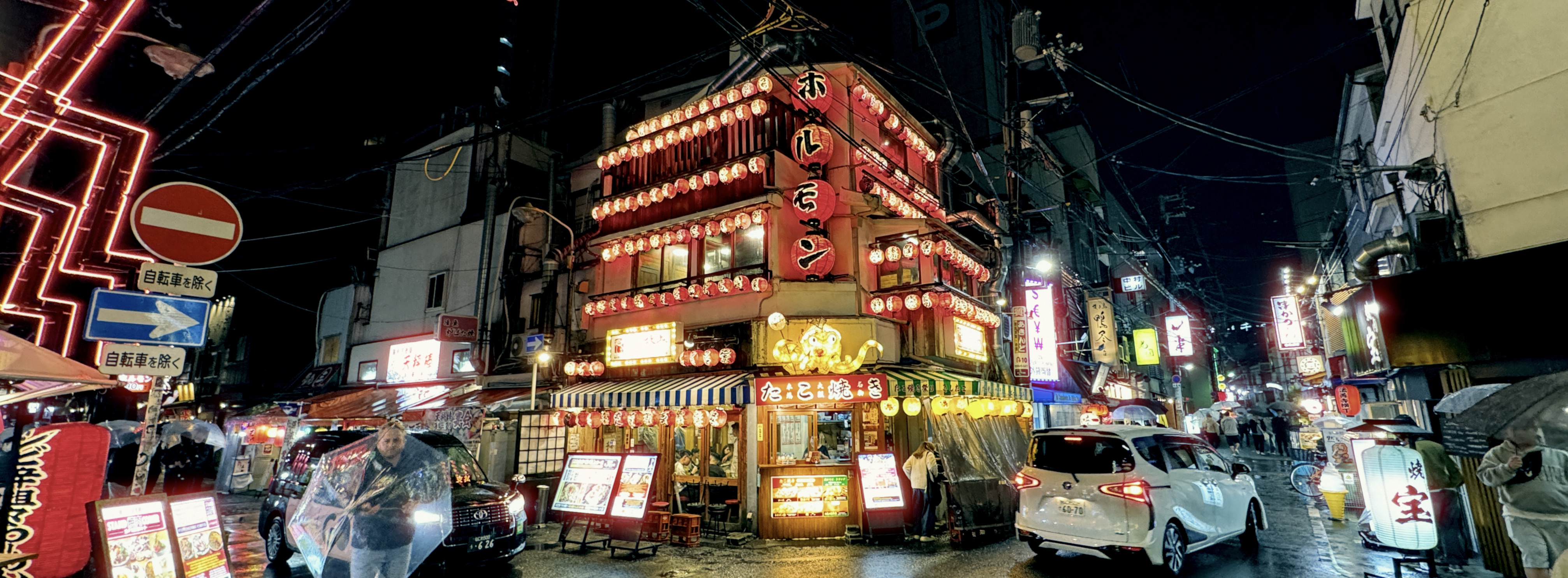

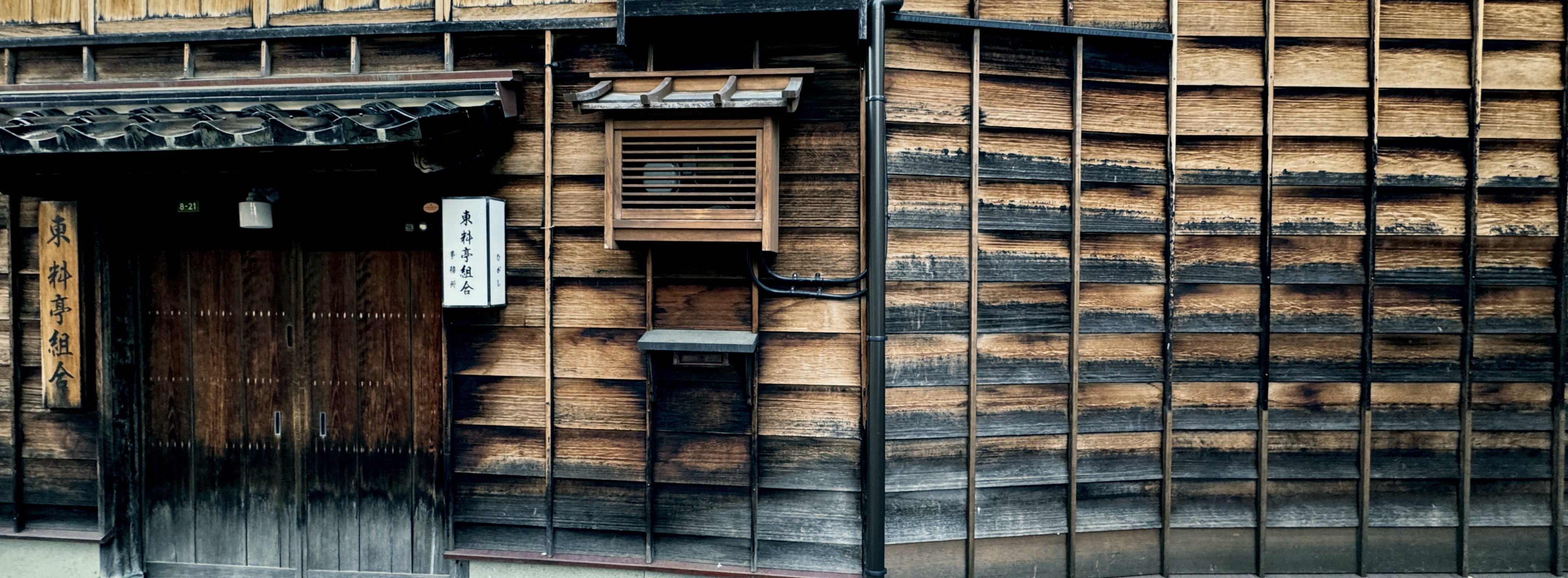


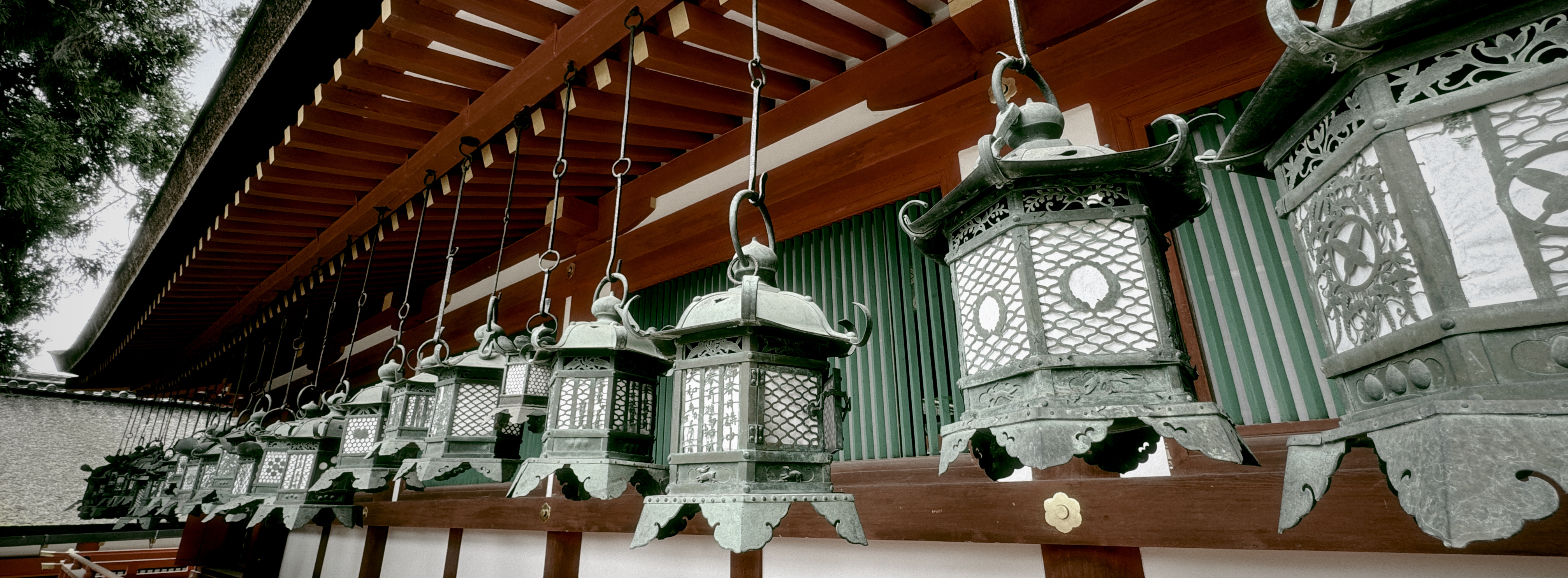
@Bietfriek all excellent!
Thanks, can’t go wrong here. XP4N: best € 0,99 I had ever spend on an app!



In the woods today…